Capture Bugs with Full Context
Screenshots, recordings, and technical details in one click. Stop asking "Can you send more info?" and start fixing bugs faster.
The video could not be loaded.
Open the video in a new tabHow It Works
Get started in 3 simple steps
Install Extension
Add the Chrome extension to your browser. It's free and takes seconds.
Capture the Bug
Click the extension icon to take a screenshot or record a video. Technical details are captured automatically.
Share Instantly
Get a shareable link and send it to whoever can fix it. No account required.
Who it is for
The same capture, doing a different job depending on who presses it.
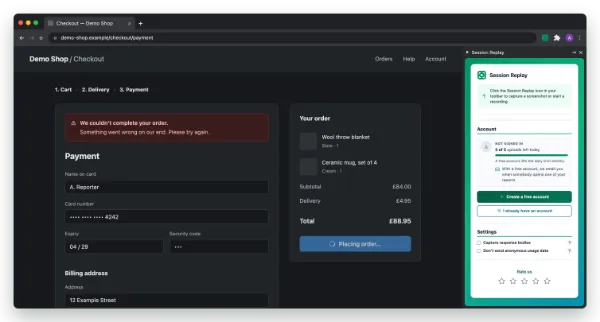
Session Replay for QA engineers
You found it in two minutes and then spent ten writing it up. Press the button while the page is still broken and the write-up is done.
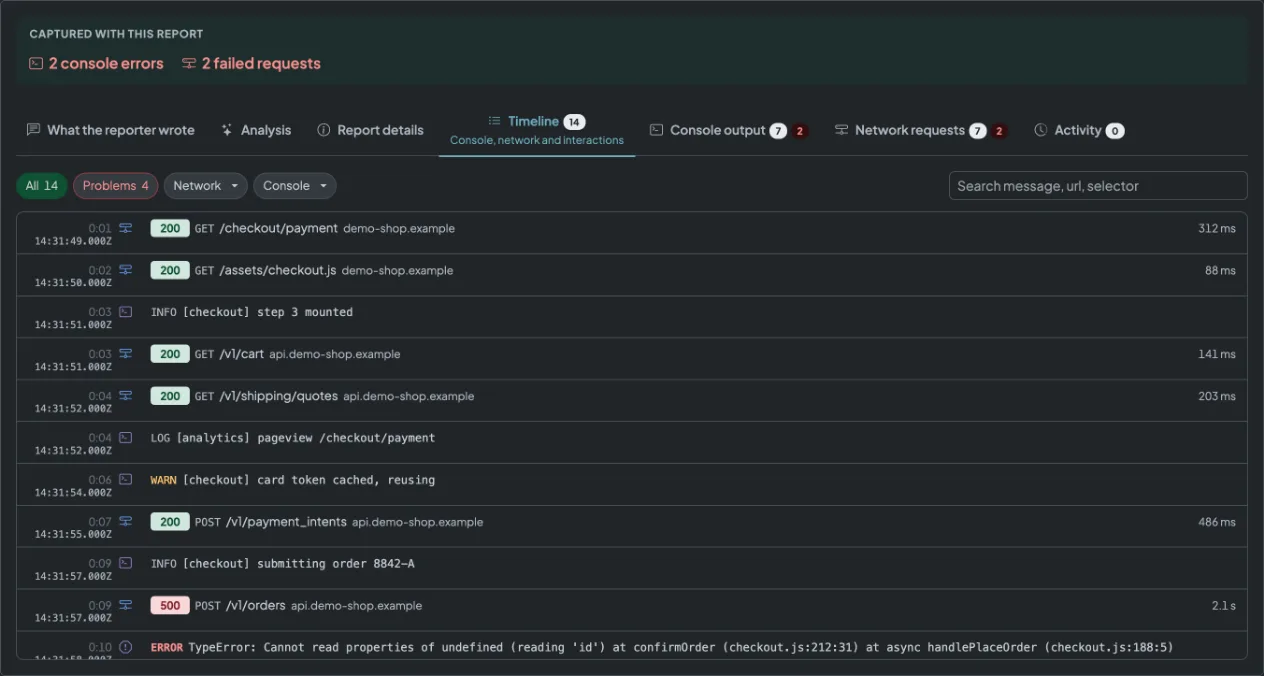
Screenshot or recording, console output, network log, browser and screen size, all on one link.
QA testing tools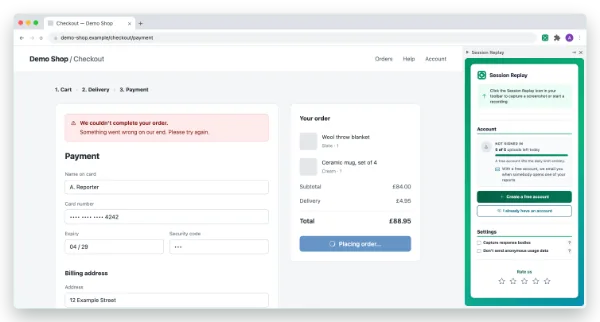
Session Replay for developers
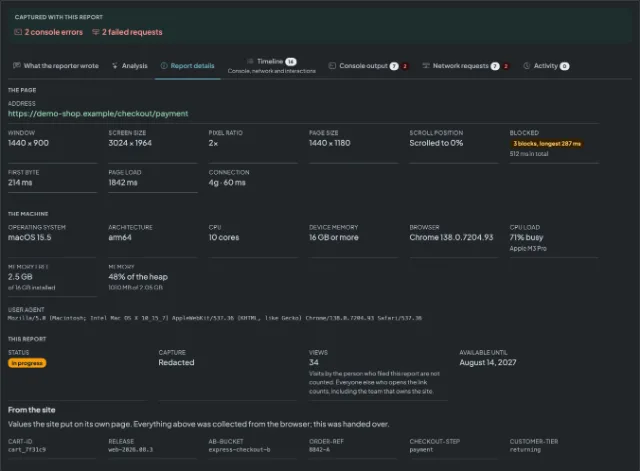
Open one link instead of asking which browser it was, what the console said, and whether the request even went out.
The console with stack traces, every request with method, status and timing, and a HAR file for DevTools.
Jira bug report template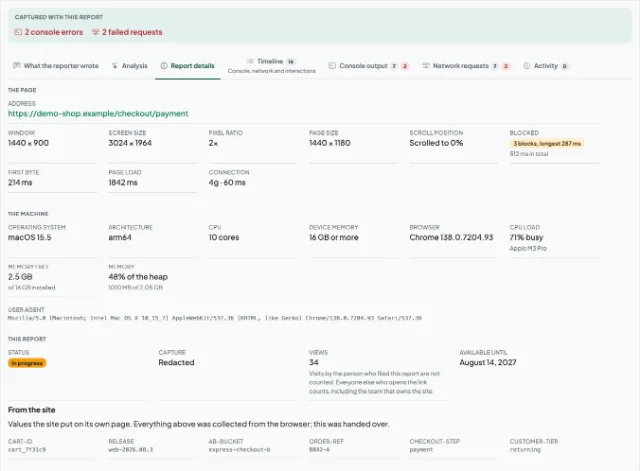
Session Replay for support teams
"It does not work" turns into something you can pass on, without talking the customer through a browser console.
What they clicked and typed, what the page logged, and which browser they were in. The person reporting needs no account.
Support ticket to bug report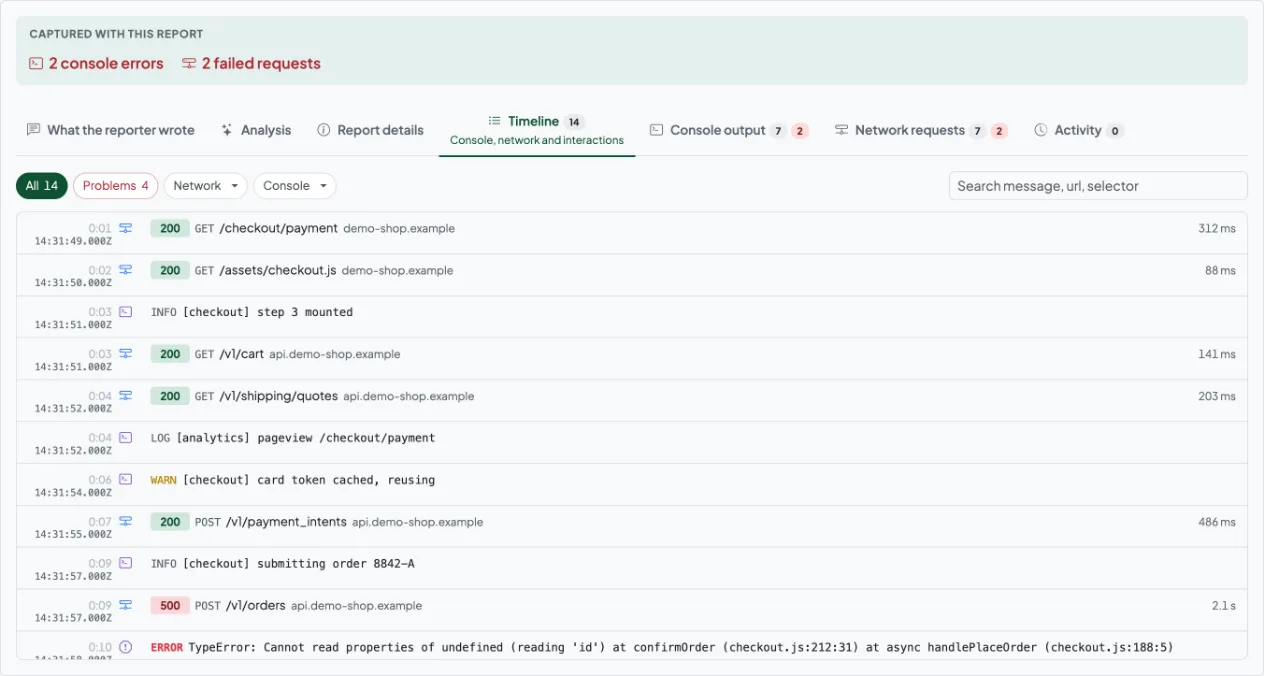
Session Replay for product managers
See what is actually broken on your product this week, in one list rather than in four people's inboxes.
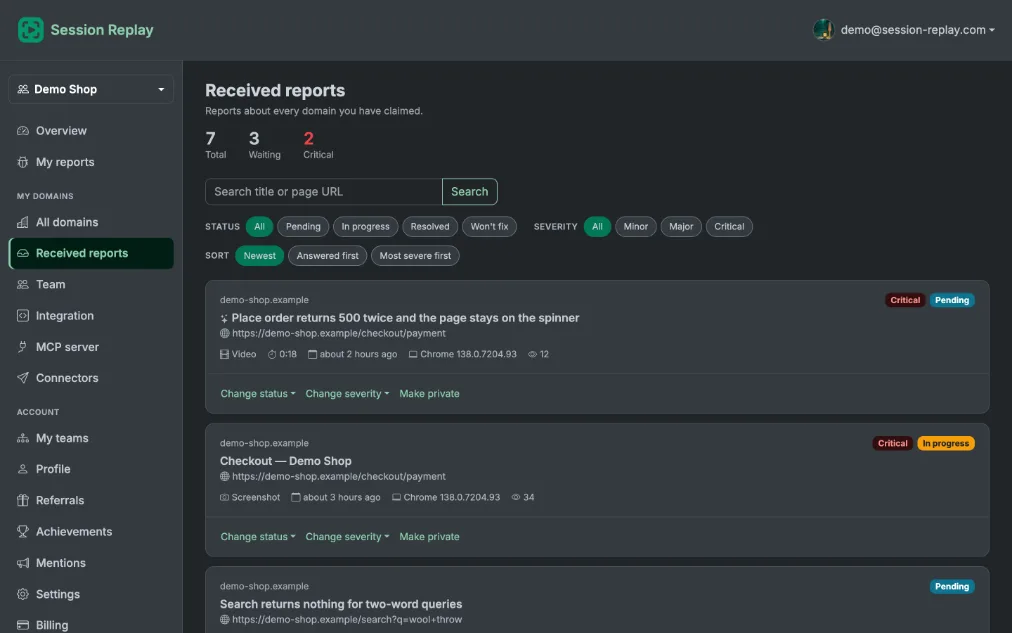
Every report for your domains in one place, with where it got to and how serious it looks.
Product feedback tool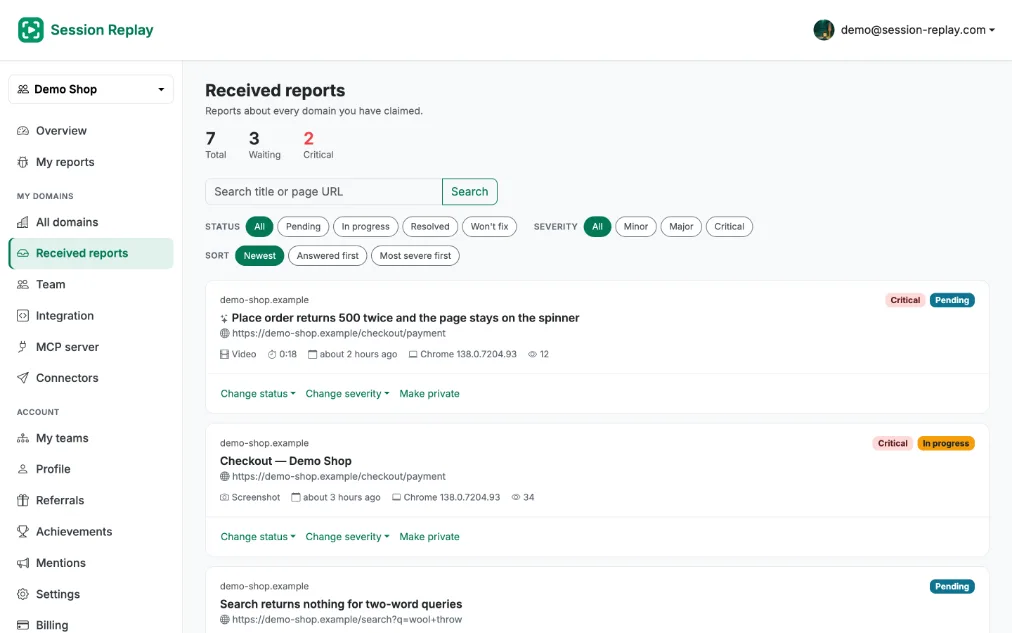
Session Replay for founders
You are the one people send blurry screenshots to, and there is no QA team behind you to sort them out.
One click captures the page with the technical detail already in it, and a link goes to whoever is fixing it.
Bug reports for founders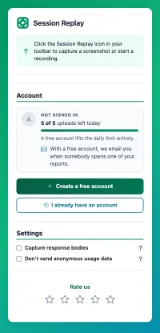

Why I built this
Every bug report I got was missing something. Which browser. What the console said. Whether the request even went out. So the reply was always the same question, and the answer always came a day later.
Session Replay is that question, answered before anybody asks it. Press the button while the page is still broken and the write-up is already done.
It is new, and it is small. Nobody needs an account to report a bug, and nobody needs one to read it. If it does something wrong, the button at the foot of this page files a report about it - captured the same way as everything else.
• Vladimir Elchinov, 404 Software Labs
Read about us
- legit.showSession Replay review - is it legit & production-ready? | Legit.Show
Session Replay is a bug-reporting tool with screenshot, video, and tech capture.
- betalist.comCapture bugs with full context | Session Replay
Stop asking "Can you send more info?" and start fixing bugs faster.


What the extension captures, and where it goes
Nobody fills in a form, and nobody goes looking for the report.
Screenshot & Video
Capture exactly what you see. Take screenshots or record videos to show the bug in action.
Auto Tech Details
Browser info, console logs, screen size and system details captured automatically.
No Signup Required
Reporters can submit bugs without creating an account. Optional registration for tracking.
Centralized Dashboard
Every report for your domains in one place, filtered by where it stands or by how serious it looks.
Team Collaboration
Invite the people who fix things. Reports for your domains are theirs to read, and each one carries where it got to.
Auto-Collection
A meta tag on your site routes reports straight to your dashboard.
Why Session Replay?
What a complete report changes about the fix itself.
Save Hours of Back-and-Forth
Everything you would have asked for is in the first report, so the next message can be the fix.
See Exactly What Users See
Video recordings show the exact steps to reproduce. No guesswork, no confusion.
Technical Details Automatically Captured
Console errors, browser and screen details - everything captured in context.
Fix Bugs 10x Faster
With complete context, developers can jump straight to debugging instead of investigating.
Start Capturing Better Bug Reports Today
One click in Chrome, and the person fixing it gets the console, the browser and the screen instead of a screenshot and a guess.
Install Chrome Extension