A product feedback tool for the review pass, not the survey
Walk the release, mark what is wrong on the page you are looking at, and every note lands as a report that is still reproducible next week.
The review pass produces a document nobody can act on
Twenty notes in a doc, half of them unreproducible by the time anyone reads them.
You go through the release before it ships and write down what is wrong. "Spacing off on the plan card." "The second toast never closes." "Something odd on mobile Safari." It reads fine at the time, because you are looking at it.
A week later somebody picks note eleven off the list and cannot make it happen. The page has moved on, nobody knows which build it was, and the note is now a small argument instead of a small fix.
The problem is not capturing the note. It is what arrives in the tracker afterwards, and what the pile looks like once there are forty of them from three people. A note that carries the console, the requests and the build it was seen on is still a bug next week; one that carries a sentence is not.
The same button covers handing a site to a client for their own round of comments, which has a page of its own about client feedback.
What a product manager gets that a form does not give you
Collected around the capture, and kept in one place afterwards.
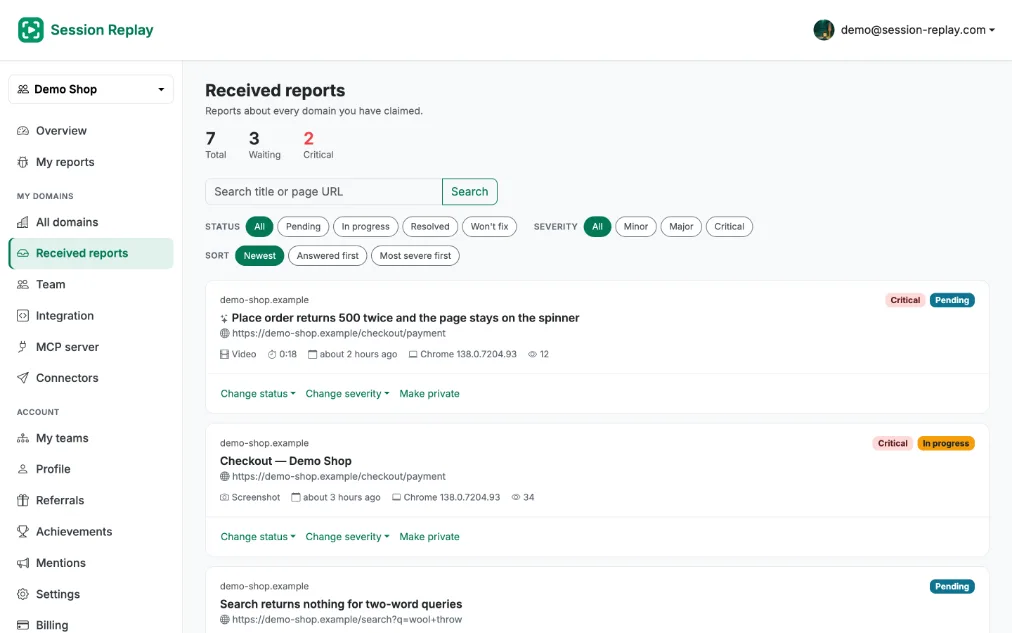
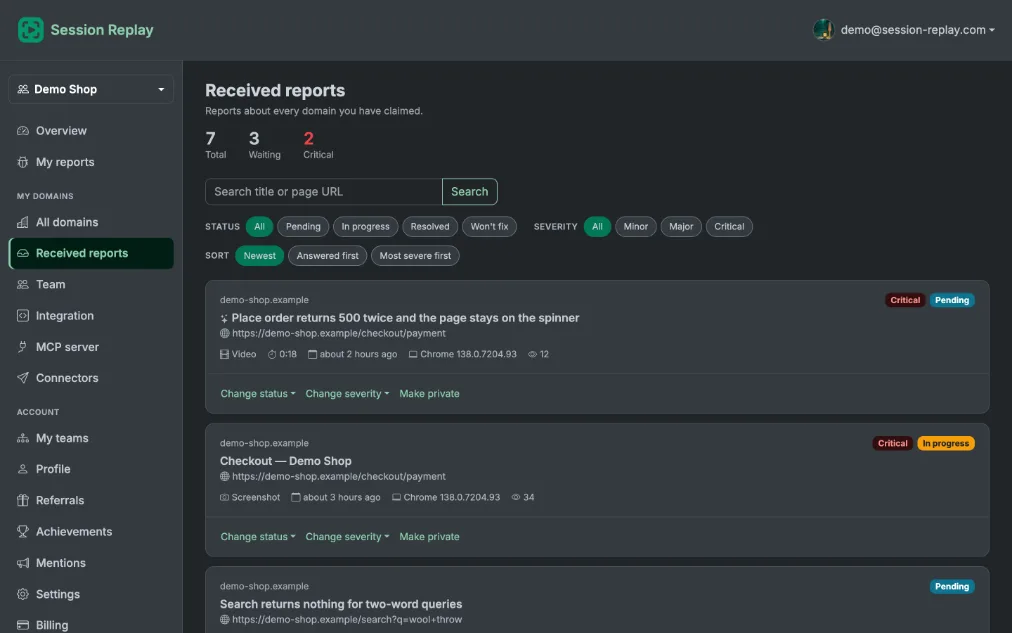
One list for every report on your domains
Claim the domain and everything filed against it arrives in the same place, whoever pressed the button - you, a colleague on the review pass, or somebody using the product.
Status on each report
Where a report got to, on the report itself, so the pile from Tuesday's pass can be worked through rather than re-read.
Severity beside the suggestion, not over it
The report is read automatically and a severity is suggested. Yours is recorded next to it, because the model can be wrong and the call is a product one.
Annotate during the pass
Draw on the captured screen while you are still looking at it. "This bit here" survives into the tracker instead of turning into a paragraph describing where to look.
Console and network attached
Errors with stack traces and every request with method, status and timing, so the note is still reproducible after the build it was written against is gone.
A link that needs no account
Forward a report to a contractor, a designer or somebody in another company, and it opens for them. No seat to buy for the person you are asking a question of.
What the report looks like when it reaches your tracker
A report becomes an issue when somebody presses the button on that report. Nothing is filed on its own.
Jira and Linear
An issue in the project or team you picked, titled from the note, with the link to the report on the first line and the browser, the page and the first error under it.
GitHub
An issue in the repository you chose, in the same shape, so the developer who opens it has the evidence before they have the argument about it.
Slack and webhooks
A card in the channel with the severity and the failing request on it, or the whole report posted to an endpoint of your own if your process is something we have never heard of.
What each destination does with a report, and what connecting it takes, is on the connectors page.
What this does not do
This is one narrow part of the job and it is not a product management suite. So that a comparison is a fair one:
- No roadmap, no idea board and no voting. Nothing here helps you decide what to build next.
- No NPS and no surveys. Nobody is asked to rate anything.
- No product analytics, no funnels and no heatmaps. There is no aggregate view of how people use the product.
- No always-on recording. Capture is deliberate: a person presses a button, and only then is anything recorded.
- A report is one bug filed by one person. It is evidence about a defect, not a theme extracted from a hundred pieces of user feedback.
Questions product managers ask
Give the review pass one button
Two lines on the product, and the next pass produces reports instead of a document of remembered sentences.