How Session Replay Works
From bug discovery to resolution in minutes, not days
For Bug Reporters
Help developers fix issues with zero effort
Install the Chrome Extension
Download and install our free Chrome extension in seconds. No account required to start reporting bugs.
- Works on any website
- No performance impact
- Privacy-focused
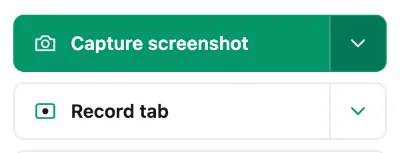
Encounter a Bug? Click the Icon
When you spot an issue, simply click the Session Replay extension icon in your browser toolbar.
- Choose screenshot or video recording
- Add optional description
- Technical details captured automatically
Share the Report
Get an instant shareable link and send it to whoever can fix it. Sending reports straight to the site owner is coming.
- Copy link to share
- Or auto-send to site dashboard
- Track views and status (optional)
Keep Your History (Optional)
Create a free account and every report you send stays in one place, with no daily limit.
- See when reports are viewed
- Get notified when bugs are fixed
- Build your bug hunter reputation
What happens next?
For Site Owners
Debug faster with complete context
Create Your Account
Choose a plan and add your domain. Every plan opens with a free 14-day trial, and the plan's own price follows when those days run out.
- 14 days free
- Card handled by Stripe, never by us
- Plans from $19/month
Install Meta Tag
A meta tag in your page proves the domain is yours, and routes every report created on it to your dashboard.
- One-line installation
- Works with any platform
- Instant verification
<meta name="session-replay-site-verification" content="srv_your_token_here">Receive Bug Reports
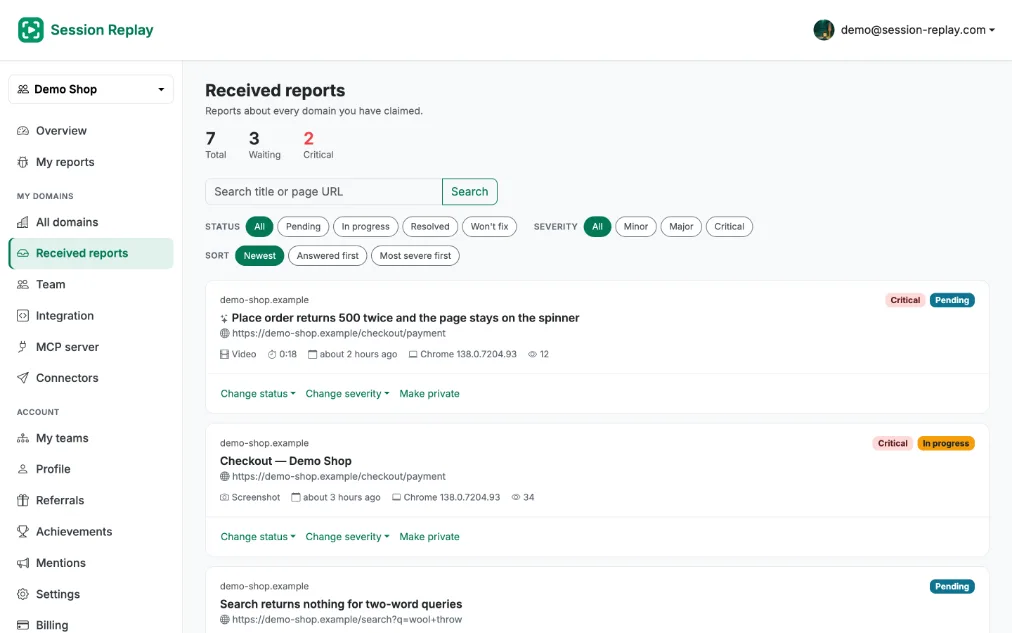
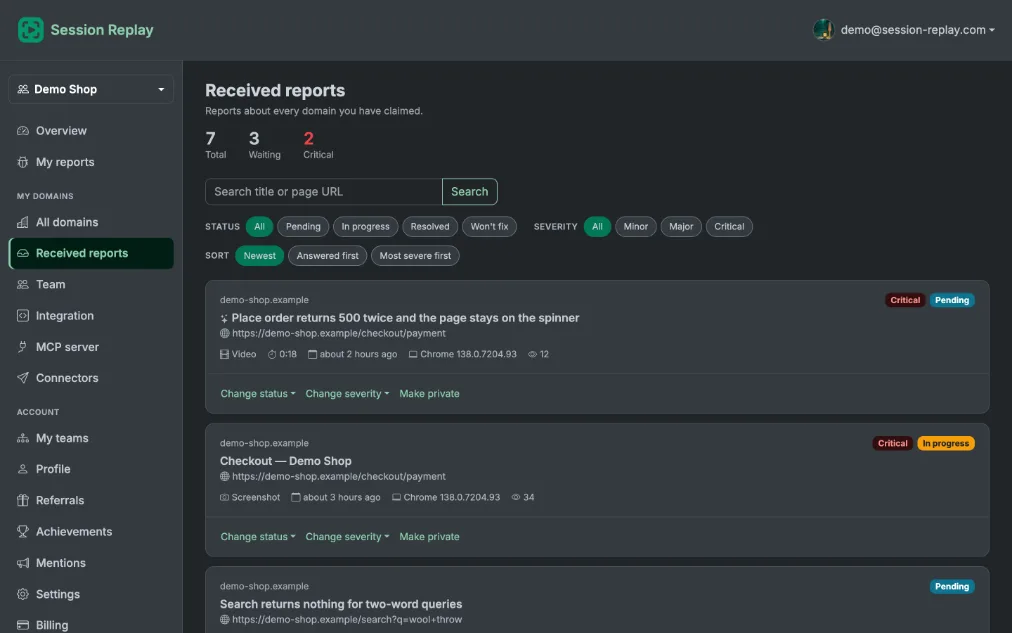
Every report for your domains in one dashboard, private to your team unless you say otherwise.
- Filter by status or severity
- Per-site, or every domain at once
- Slack, Microsoft Teams, Jira Cloud, Webhooks, GitHub, GitLab, Bitbucket, Linear, ClickUp, Trello, Asana and Shortcut as destinations
- Email notifications and assignment to follow
- monday.com, Azure DevOps, Wrike, Notion, Zendesk, Intercom and Teamwork as destinations, to follow
Replay & Investigate
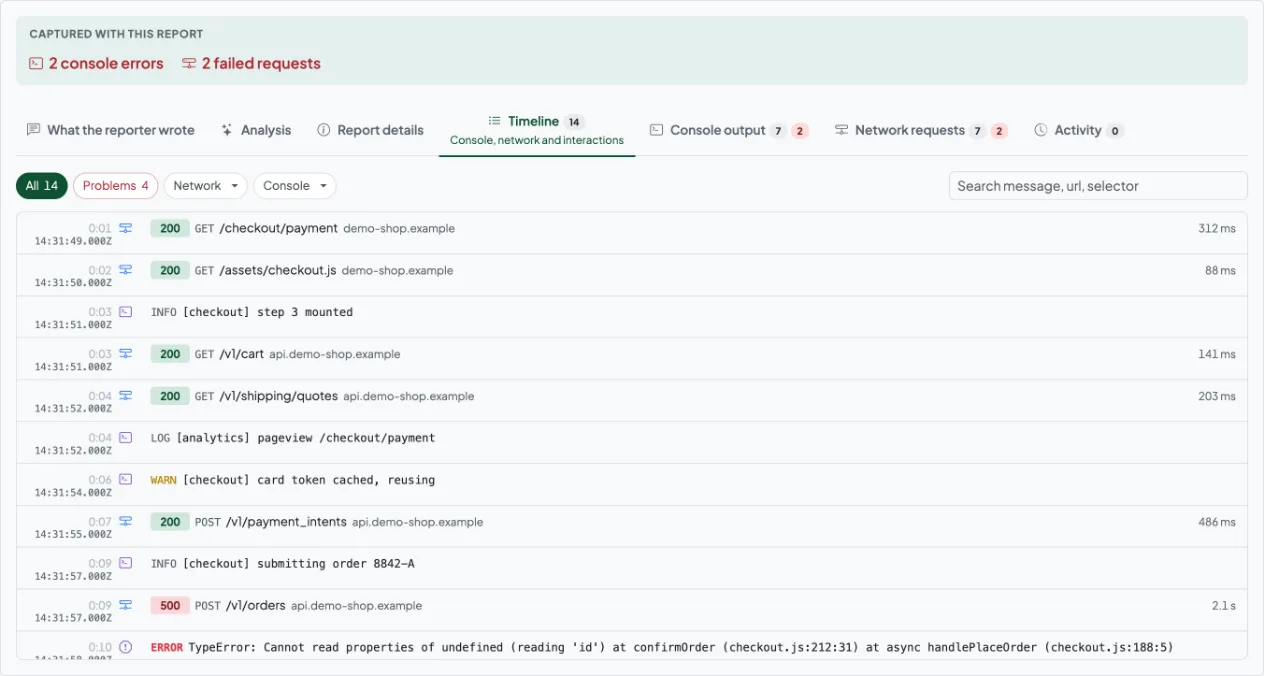
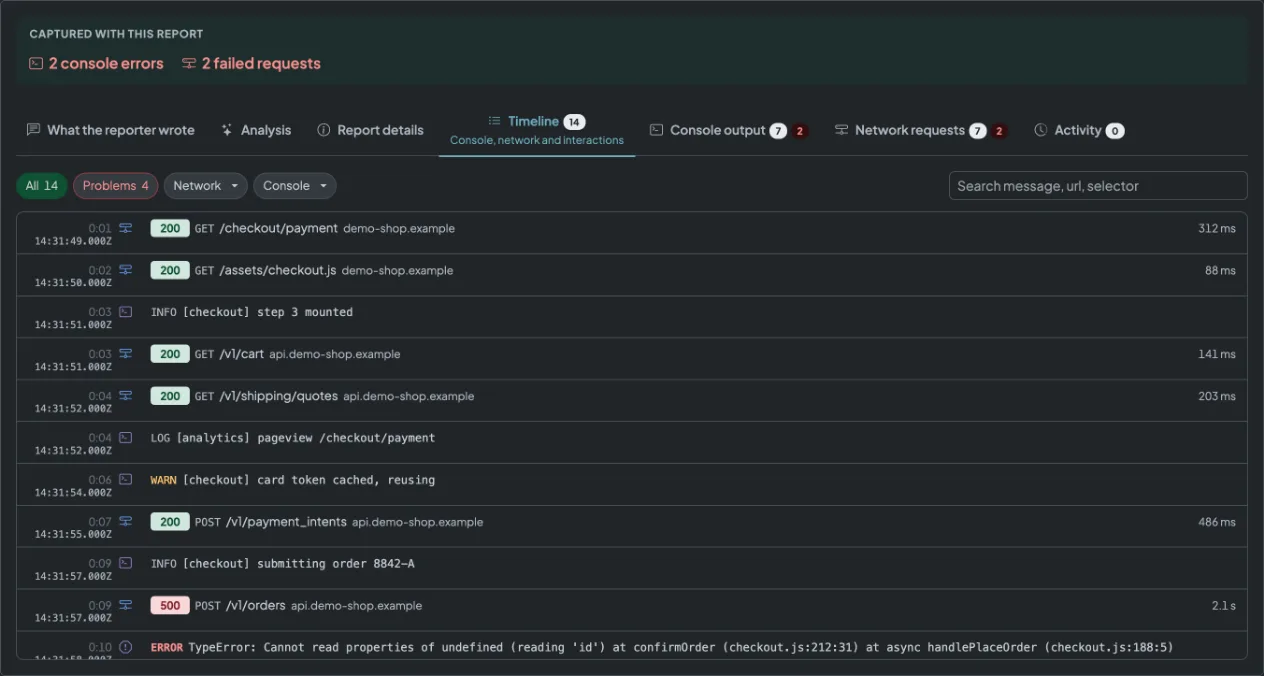
Use our advanced player to replay sessions, view technical details, and understand exactly what happened.
- Video playback with timeline
- Console logs & errors
- Network requests, with a downloadable HAR file
- Browser & system info
Fix & Mark Resolved
Deploy your fix, mark the report as resolved, and optionally notify the reporter.
- Every status change recorded, with the time it happened
- Notes on a report, private to your team
- Or address a note to the reporter, if they have an account
What Gets Captured Automatically
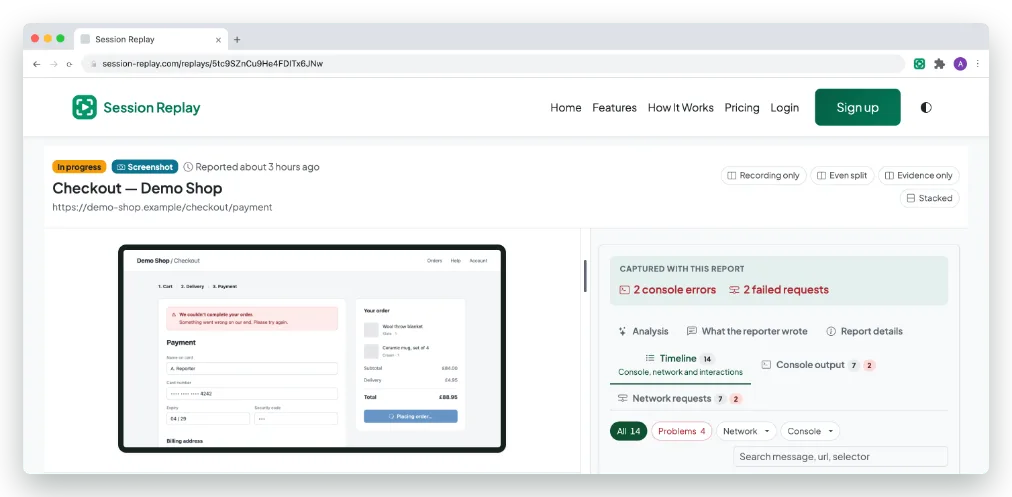
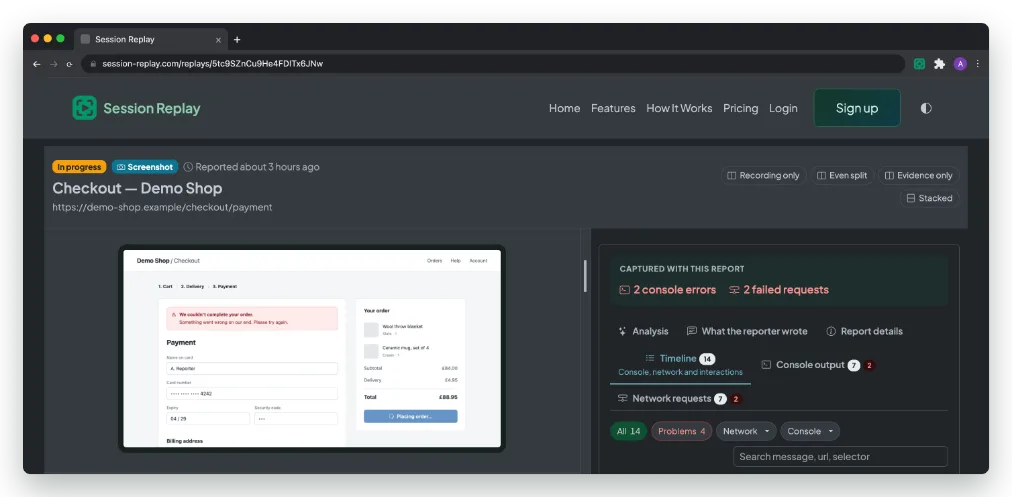
The tabs in the report above, filled in before anybody has to ask for them.
Visual Evidence
Screenshots or video recordings showing exactly what happened
Console Logs
JavaScript errors, warnings, and console output
Network Activity
API requests, responses, and failed network calls
Browser Info
Browser version, viewport size, user agent
System Details
Operating system, language, timezone
User Actions
A timeline of what was clicked, typed and submitted before the bug
Ready to Get Started?
Install the extension and start capturing better bug reports today