Chromium’s own list of network errors describes this one in six words:
The client chose to block the request.
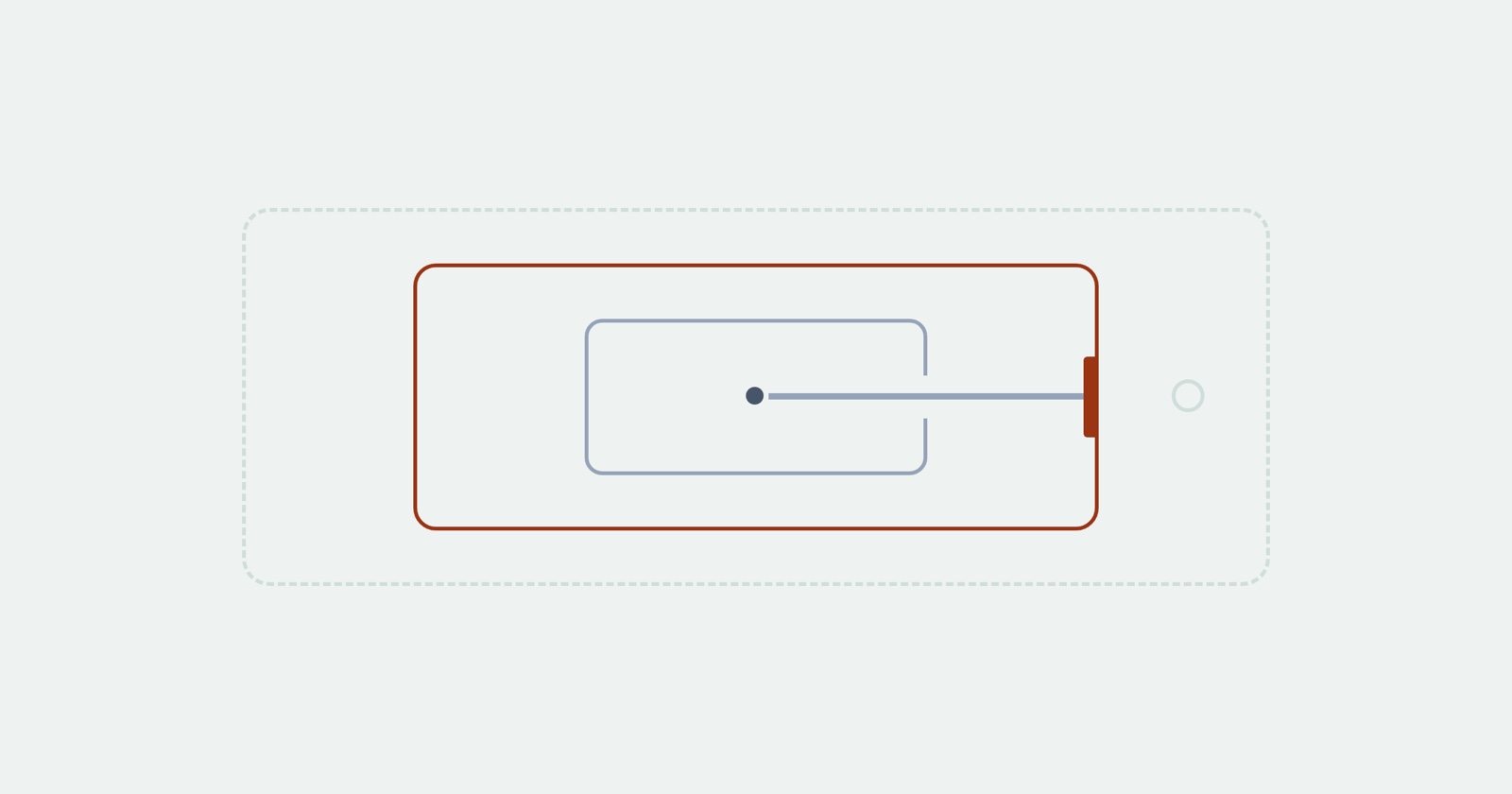
The word carrying the weight is chose. Nothing failed. No server was down, no name went unresolved, no certificate was wrong. Something running on the visitor’s own machine looked at a request your page was about to make and decided it would not be made.
Which means your server never saw it. There is no line in your access log, no entry in your error tracker, and nothing to find on your side at all, because from your infrastructure’s point of view the request does not exist.
Who the client is
Usually an extension. Ad and tracker blockers are the common case, and they are far more widely installed than most teams assume when they look at their own machines.
But the category is wider than that. Enterprise endpoint software filters requests before they leave the machine. Some antivirus products do the same. A corporate proxy configuration can refuse a host. Browser settings on a managed device can block a category outright. All of these produce the same error, and none of them is something the person reporting the problem knows they have.
The one thing they share is that they sit between your code and the network, inside the user’s environment, where you have no visibility and no control.
Three errors that all say blocked
Chromium has several, they are not interchangeable, and the difference is entirely about who did the blocking. These are the three worth knowing, with the descriptions from the error list itself:
-
ERR_BLOCKED_BY_CLIENT: “The client chose to block the request.” Something on the user’s machine. Not yours, and not the other site’s. -
ERR_BLOCKED_BY_CSP: “The request was blocked by a Content Security Policy.” Your own policy, or one a proxy added on the way through. -
ERR_BLOCKED_BY_RESPONSE: the response arrived carrying requirements that were not met, such as X-Frame-Options, Content-Security-Policy ancestor checks or Cross-Origin-Resource-Policy. That one is the other end’s decision.
Three errors, three owners: the user’s machine, your policy, their headers. Only the middle one is yours to fix, and it is the one people reach for last. A fourth family gets confused with these often enough to be worth separating too: a CORS error is not a block at all, it is a response the browser fetched and then refused to hand to your code.
What your JavaScript sees, which is almost nothing
Here is the part that makes this expensive. A blocked request does not arrive in your code as “blocked”.
fetch() rejects with a TypeError, and MDN is explicit that this is what you get for a network
error generally, “for example, because the device does not have connectivity”. The same rejection
covers a badly formed URL, a genuinely offline device, and a request an extension refused to send.
The promise carries no reason, so there is nothing in the rejection to tell those apart.
It is worth remembering what does not reject while you are here: an HTTP error status does not.
A 404 or a 504 resolves normally and leaves you to check response.ok. So the failure that
produces the least information in your code is the one where the request never left the machine,
and the failures that produce the most are the ones your server handled.
If you want the distinction, the browser does have it. The
network panel shows the request
with the net error against it, and chrome://net-export captures it. Both of those are on the user’s
computer, which is the problem this whole article is about.
Why it is so hard to reproduce
You cannot reproduce it, by construction, because the cause is not in your system. It is in a configuration that exists on one machine, chosen by somebody who may not remember choosing it, and quite possibly installed by their employer.
So the loop goes: a user reports that saving does nothing, you open the page, saving works, you close the ticket. The user is not mistaken and neither are you. The difference is a list of blocked hosts you cannot see.
Asking them to disable extensions sometimes works and is a poor instrument. It asks a person to experiment on their own browser on your behalf, it only finds the extension case, and a managed device will not let them do it at all.
Session Replay
Free Chrome extension. One click on the page that is misbehaving captures the screenshot, the console and the network log, and hands you a link to paste into the ticket.
The network log is what settles it, because the request that was refused is in it with the error against it. That turns “saving does nothing” into “this request to this host never left their machine”, which is a different conversation and usually a short one.
What to do about it
Expect it on anything that looks like tracking. Hosts with analytics, metrics, telemetry, beacon or ads in the name are blocked by default by common lists. So are paths. If your own error reporting lives on such a host, the reports about it are the ones you will never receive.
Do not let a blocked request break the page. A blocked analytics call should not stop a form submitting. Separate the request that matters from the request that is nice to have, and let the second one fail silently.
Treat the absence of data as data. Fewer events from a subset of users is one of the few signals this leaves behind, and it reads as a quiet week rather than as a fault.
In one paragraph
ERR_BLOCKED_BY_CLIENT means something on the visitor’s machine, usually an extension and sometimes
their employer’s software, decided your request would not be sent. Your server never saw it,
fetch reports it as the same TypeError it uses for an offline device, and the only record is on
a computer you do not have. It is not the same as a policy block you own or a header the other end
sent, and telling those three apart is most of the work.