The message reads something like this, and the important half is the end of it:
Access to fetch at 'https://api.example.com/orders' from origin
'https://app.example.com' has been blocked by CORS policy: No
'Access-Control-Allow-Origin' header is present on the requested resource.
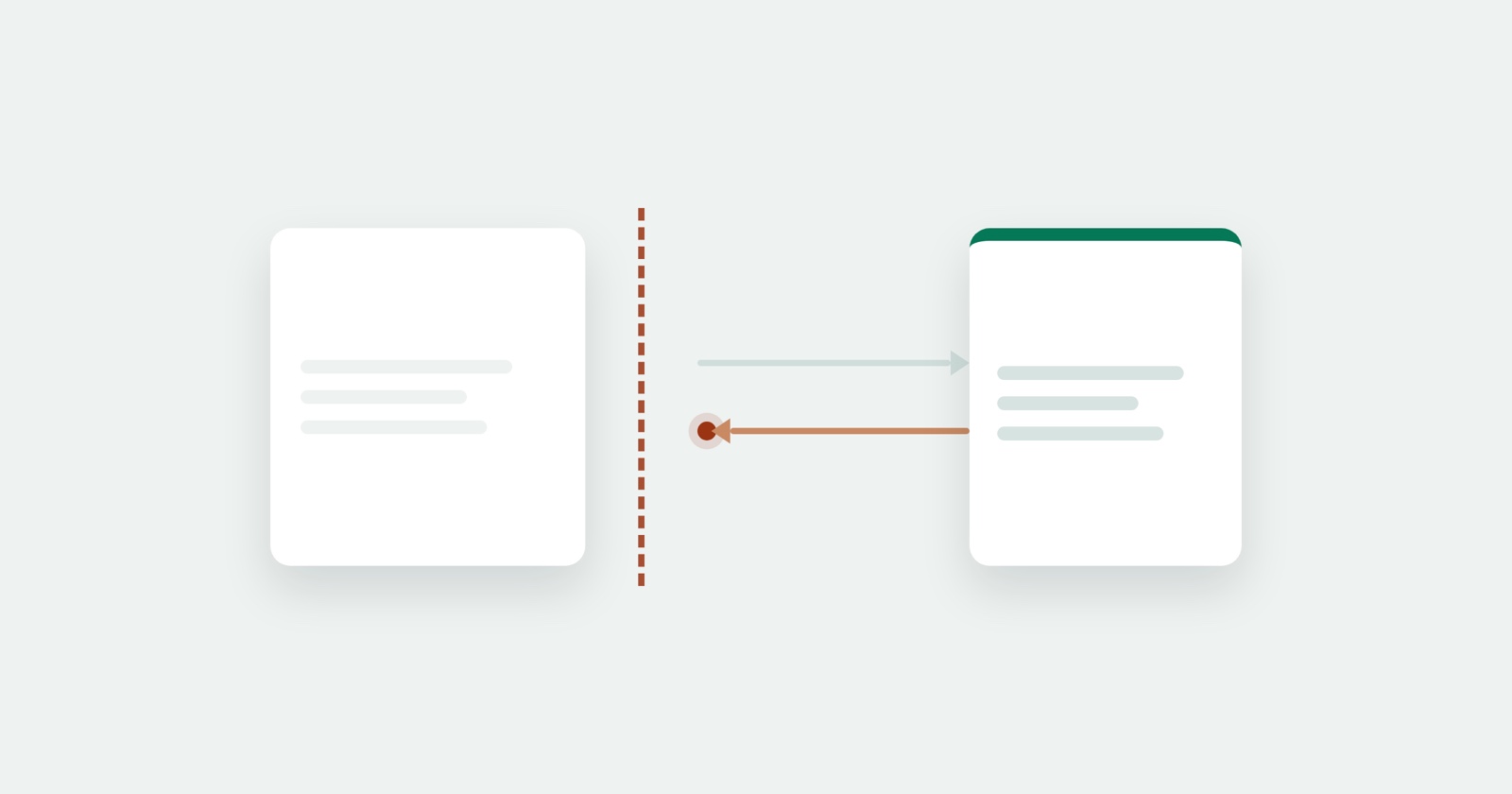
Read it as a sentence about who refused. The server answered. Your request left the browser, reached the other machine, and came back with a response. The browser then declined to hand that response to your JavaScript, because the response did not say your origin was allowed to read it.
That single fact rules out most of what people try first. Nothing is broken on the network. The server is not down. There is no firewall in the way. The response is sitting in the browser, and the browser will not pass it on.
Why the browser does this at all
Without it, any page you visit could quietly make requests to your bank, your webmail or your company’s internal tools using the cookies already in your browser, and read the answers.
So the rule is: JavaScript may send a cross-origin request, but may only read the response if the responding server says that origin is allowed to. The permission has to come from the server being asked, because it is the only party that knows who should be reading it.
Two consequences that surprise people:
- It only applies to browser JavaScript. The same request from curl, from Postman, or from your own backend works, because none of them is a browser enforcing anybody’s session. A request that works in Postman and fails in the page is not evidence of a broken server.
- Disabling it in your browser fixes nothing. A flag or an extension that turns off the check makes the error disappear on one machine while every visitor still gets it. It is a way to confirm the diagnosis, not a fix, and running a browser that way for daily use is a genuinely bad idea.
Reading which rule failed
The end of the message names the rule, and there are three you will meet.
No ‘Access-Control-Allow-Origin’ header is present. The plain case. The server sent nothing about permissions, so the browser assumes none.
Response to preflight request doesn’t pass access control check. The failure happened before
your request was sent at all. Anything beyond a simple request - a PUT or DELETE, a custom
header like Authorization, a JSON content type - makes the browser send an OPTIONS request
first, asking whether the real one is allowed. If that OPTIONS returns a 404, a 500, a redirect,
or a 200 without the right headers, the real request never happens.
The value of ‘Access-Control-Allow-Origin’ must not be the wildcard ‘*’ when credentials mode
is ‘include’. You are sending cookies, and * is not specific enough for that. The server has
to name your origin exactly and add Access-Control-Allow-Credentials: true.
Where the fix goes
On the server that owns the resource, in every case. Not in your page, not in the browser, not in a proxy you put in front of your own front end.
If it is your API, that means returning Access-Control-Allow-Origin with the origin you want to
allow, and for preflights, answering OPTIONS with the allowed methods and headers and a 2xx
status. If it is somebody else’s API and it does not permit browser access, then browser access is
not on offer: call it from your own backend and let your page talk to that.
To see which headers a URL actually returns before you change anything, the CORS tester sends the request and shows you the response.
Session Replay
Free Chrome extension. One click on the page that is misbehaving captures the screenshot, the console and the network log, and hands you a link to paste into the ticket.
On localhost, where most people meet it
http://localhost:3000 and http://localhost:8080 are different origins, so a front end on one
port calling an API on another is a cross-origin request and gets the full treatment.
The right answer in development is a proxy: your dev server forwards /api to the API, so the
browser sees one origin and the question never arises. Every modern front-end tool has this built
in and it takes a line of configuration. The wrong answer is launching Chrome with web security
disabled, because the code then works only for people who did that.
What your code sees
Nothing useful, which is the part that makes this confusing to debug.
A blocked response does not arrive as an error you can inspect. fetch() rejects with the generic
TypeError: Failed to fetch,
carrying no status and no body, because letting the page read why it was blocked would leak the
very information the rule exists to protect.
So the CORS message in the console is not an error your code caught. It is the browser telling you, the developer, what it did. Your code cannot see it, cannot log it, and cannot report it.
That is worth knowing when the report comes from somebody else. A user hitting a CORS failure sees
a feature that silently does nothing, your error tracking records a Failed to fetch with no
detail, and the sentence that would have explained it was printed in a console nobody kept.
Finding it in a report
Two places, and you want both.
The console carries the CORS message with the origin, the URL and the failing rule. The
network panel shows the request itself - and for a preflight failure, the OPTIONS request
sitting above the real one, with its own status. Open its response headers: what is missing there
is the whole diagnosis.
If the request does not appear in the network panel at all, the browser refused before sending, which means mixed content or an extension rather than CORS.
The short version
- The server answered; the browser refused to let your code read the answer.
- It applies only to browser JavaScript, so curl and Postman prove nothing.
- The end of the message names which rule failed. Read that, not the beginning.
- Preflight failures happen before your request, on an
OPTIONSthe browser sent for you. - The fix belongs on the responding server. Disabling the check locally is a diagnosis, not a fix.
- On localhost, use a dev proxy so there is only one origin.