A bug report has one job: to let somebody who has never seen the problem reproduce it on the first try. Most reports fail at that, and rarely for want of effort. They fail because of a handful of habits, repeated by careful people who have never watched their own report land on somebody else’s desk.
Every detail left out costs seconds to include and hours to recover: a round trip through a comment thread, a developer building a state you were already sitting in, a ticket closed as unreproducible and filed again a fortnight later by somebody else. You are the only person who will ever have that context for free.
Ten habits, in two groups. The first six are judgement, and no tool will ever do them for you. The last four are context that existed at the moment the bug happened and was not written down.
- A title that describes a feeling
- No reproduction steps
- No expected behaviour
- Several bugs in one ticket
- Emotion in place of impact
- Not checking for duplicates
- Leaving out the environment
- Describing what you saw instead of showing it
- Skipping the console and the network tab
- “Works on my machine”, with nothing attached
If you want the method rather than the traps, the companion piece on how to write a perfect bug report has the anatomy of a good one, and the bug report template is the shape those answers take.
What only you can write
1. A title that describes a feeling
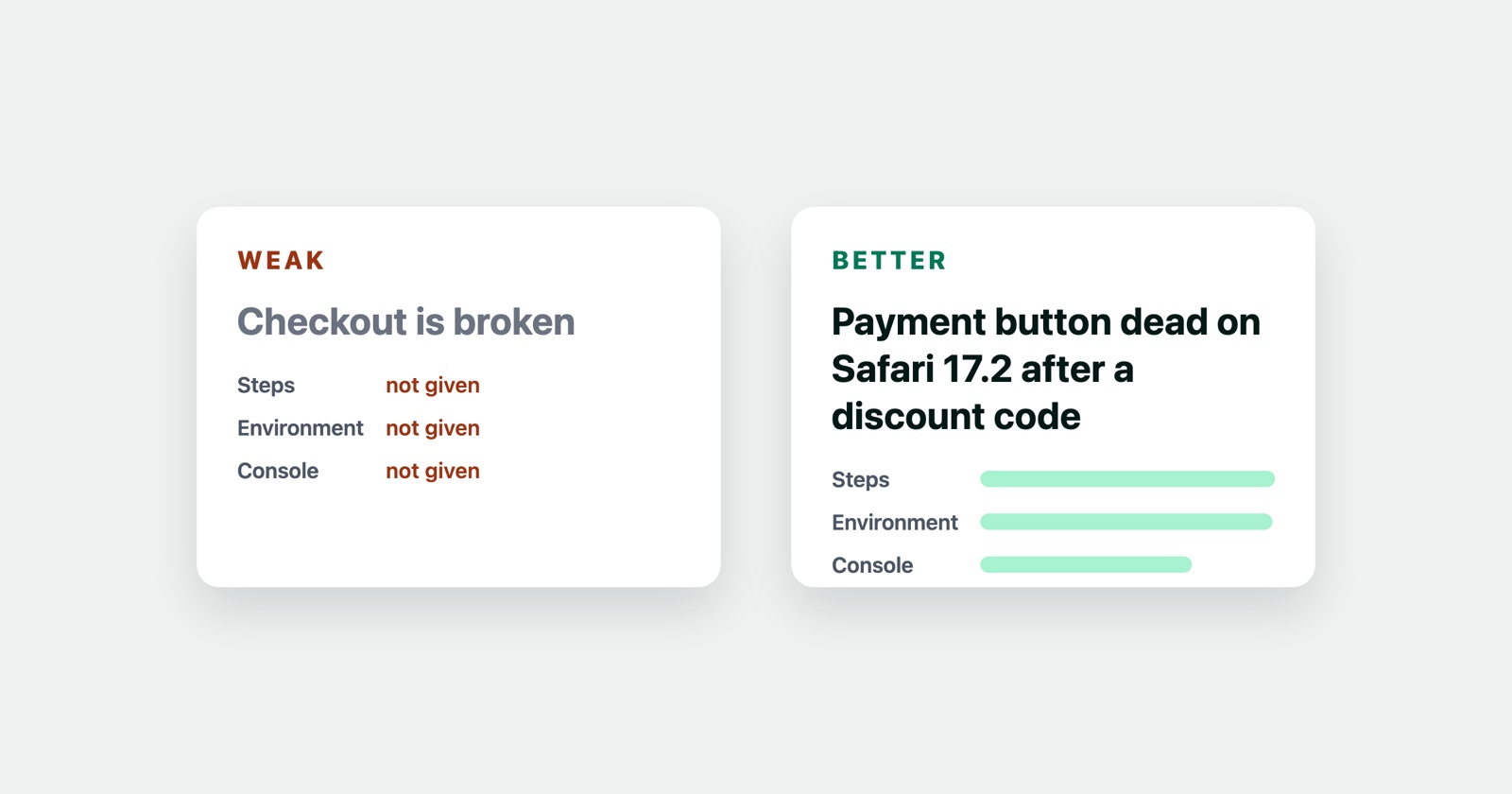
“Checkout is broken.” “Login doesn’t work.” “Something’s wrong with the images.”
A title is read many times and opened once. It shows up in search results, in standups, in release notes, and in the list somebody scans while deciding what to pick up this morning. A title that could describe forty different defects makes every one of those moments slower.
The pattern is what broke, plus where or when, plus the one detail that separates your case from everybody else’s working one.
- Weak
- Images broken
- Better
- Product images fail to load on mobile Chrome when the page is opened from search
Aim for a sentence somebody could repeat out loud without opening the ticket.
2. No reproduction steps
Without steps a developer is not debugging, they are guessing at what you did. Every wrong guess
ends in cannot reproduce, the ticket comes back to you, and the clock restarts.
Steps have to begin from a state anyone can reach.
- Weak
- Go to my cart and try to pay
- Better
- 1. Sign in as a customer with an empty cart. 2. Add any two items. 3. Apply the code SAVE10. 4. Click Continue to Payment.
Four lines, and the reader is standing where you were standing. Hand your own steps to a colleague who has not seen the bug. If they come back with a question, the question is your missing step.
3. No expected behaviour
“The total is wrong” assumes the reader knows what right looks like. Often they do not, and sometimes what you are reporting turns out to be a rule you did not know about.
Write both halves.
- Weak
- The discount is wrong
- Better
- Expected: total shows 45.00 after the 10% discount. Actual: total shows 50.00 and the discount line is missing.
This is also how you find out that you and the developer disagree about what the feature is for, which is a conversation worth having in the ticket rather than three weeks later.
4. Several bugs in one ticket
Filing three problems together feels efficient. It is not, because a ticket has one status. When two of the three are fixed, the ticket is neither done nor undone, and the third problem quietly disappears under a conversation that reads as finished.
One defect per ticket. If they share a cause, say so and link them.
5. Emotion in place of impact
“This is unusable.” “How did this ever ship?” “Third time this week.”
The frustration is legitimate. A bug has just eaten your afternoon. But it crowds out the information that would get the thing fixed, and it puts the reader on the defensive exactly when you need their attention on the problem.
Impact belongs in a bug report. State it as fact, and give whoever triages it enough to set a priority without guessing: how many people are affected, how often, whether money or data is involved, whether there is a way around it, and whether it used to work.
- Weak
- This is a disaster, please fix ASAP
- Better
- Blocks checkout for every Safari customer, no workaround, started after Tuesday's release
The second is far more alarming than the first, and far more likely to be picked up today. A bug that stops one person changing an avatar and a bug that stops every customer paying should never arrive looking the same.
6. Not checking for duplicates
Duplicates cost twice: once when somebody triages a report that is already known, and again when the discussion of one problem is split across two tickets so neither holds the whole story.
Search the tracker for the error message, the page name, and a word or two from the title you were about to write. Search closed tickets as well as open ones, because a bug that was fixed and has come back is a regression, and saying so changes how it gets handled.
Searching is also the fastest way to learn the words your team actually uses. If everyone else calls it the basket and you call it the cart, your report will not be found by the next person to look, and you will not find theirs.
What the browser already knows
The four below are different in kind. Nobody leaves out a browser version to save effort. They leave it out because recording it means leaving the page, hunting for a version string and typing it into a form, and by then the tab is closed.
7. Leaving out the environment
A bug that happens everywhere and a bug that happens in one browser are different bugs with different causes, and nobody can tell which you have until somebody checks. That is how a report gets closed as unreproducible: the developer tried it in Chrome, and you were in Safari.
Record the browser and its version, the operating system, the device, and the window size if the
layout is involved at all. Latest Chrome is not a version. It means something different on the day
it is read than on the day it was written.
8. Describing what you saw instead of showing it
Prose is a lossy format for a visual problem. “The layout goes weird below the fold” can mean half a dozen things, and the half-dozen have different fixes.
A screenshot settles layout and copy problems outright. A short recording is better for anything involving timing, animation, or a sequence of interactions. Capture the whole window rather than a crop of the broken part: the address bar, the console and the surrounding page often contain the answer.
9. Skipping the console and the network tab
This is the first thing a developer asks for and the last thing most reports include. A red error in the console usually names the failing file and line. A failed request in the network tab usually names the status code and the endpoint. Either one can turn an afternoon of bisecting into a two-minute fix.
Open the developer tools before you close the tab. Copy the error text rather than photographing it, so it can be searched. If a request failed, note its status and its path.
10. “Works on my machine”, with nothing attached
The phrase ends a conversation without resolving anything, and it works in both directions. From a developer it means the report lacked the detail to reproduce. From a reporter, replying to a fix with “still broken for me” and nothing else means precisely the same thing in reverse.
Either way the answer is evidence rather than assertion: the version you tested, the environment you tested it in, and what you saw. A report about a failed fix deserves the same care as the original.
What actually fixes half of this
Look back at the second group. Mistakes 7, 8, 9 and 10 are one problem wearing four hats: the context existed at the moment the bug happened, and nobody wrote it down.
That is the part worth automating, and it is why we built Session Replay.
Session Replay
Free Chrome extension. One click on the page that is misbehaving captures the screenshot, the console and the network log, and hands you a link to paste into the ticket.
It does not know what you clicked. It knows what the browser knew. So it will not write your title, split your three bugs into three tickets, or tell you what you expected to happen. Those are judgement, and they stay yours. What it removes is the excuse for the four habits that were only ever about friction, which leaves you the six that are about thinking clearly.
The checklist
Before you press submit:
- The title names what failed, where, and under what condition
- Steps start from a state anyone can reach
- Expected and actual behaviour are both written down
- One defect in this ticket, and only one
- Impact stated as fact, with enough for somebody else to set the priority
- I searched open and closed tickets for an existing report
- Browser, version, operating system and device are recorded
- A screenshot or recording is attached, showing the whole window
- Console errors and failed requests are copied in as text
- Evidence for anything I claim, including “it still happens”