Somebody on your site hits a bug. They can see it: the broken layout, the button that does nothing, the error in red. By the time that reaches a developer it has become a sentence. “Checkout is broken.” Everything they could see has been thrown away, and the developer’s first job is to reconstruct it by asking questions.
Visual bug reporting is the practice of capturing what was on the screen, and what the browser knew, at the moment somebody decided to report a problem. The report is the evidence rather than a description of it.
What is actually in one
The word “visual” undersells it. A picture is the part a person notices; most of the value is in what the browser was doing behind the picture.
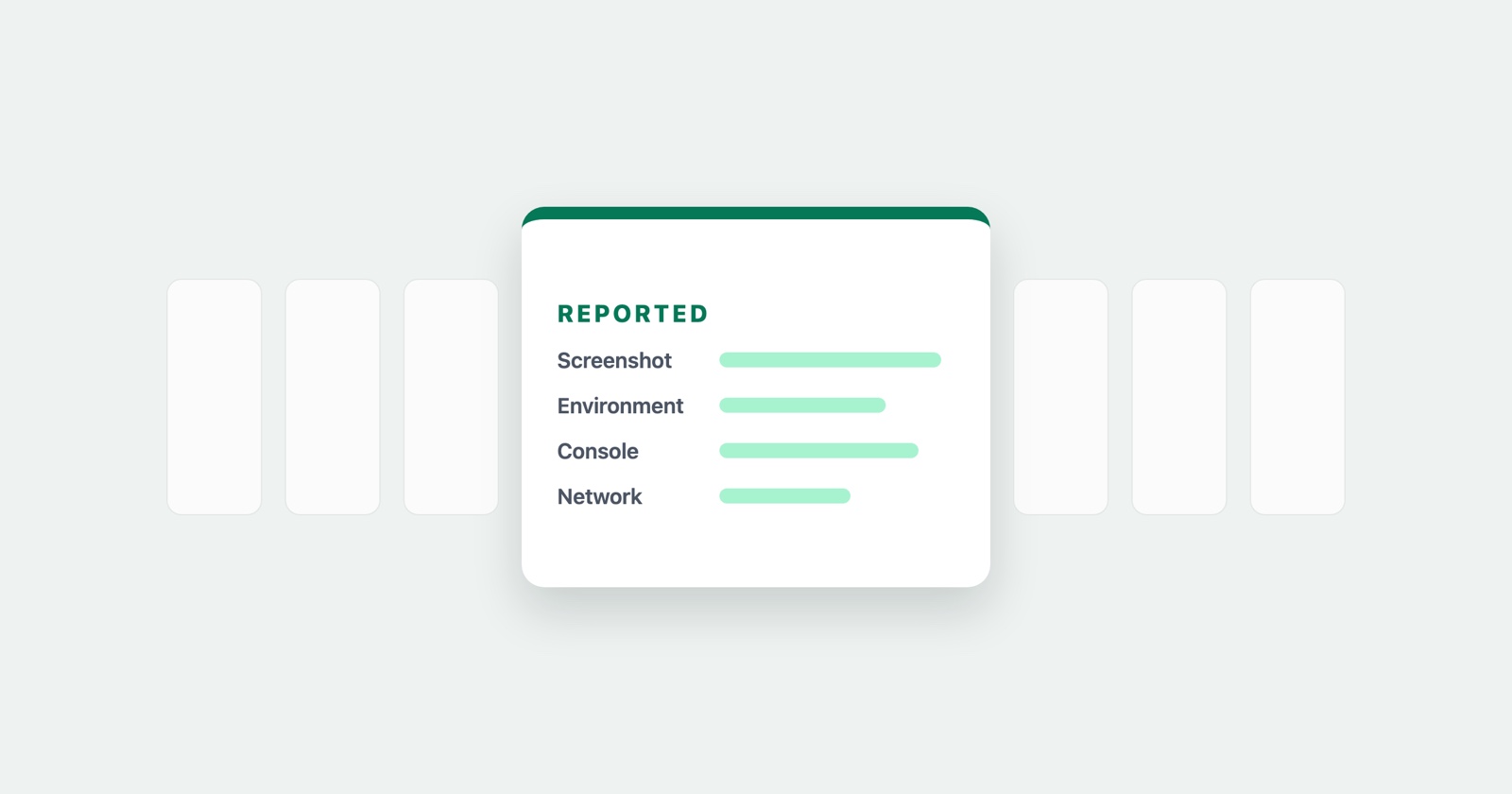
A visual bug report usually carries some or all of:
- A screenshot or a recording of the page as the reporter saw it, often with something drawn on it to point at the problem.
- The environment: browser and version, operating system, screen size. The facts that decide whether a defect is universal or belongs to one configuration.
- Console output, including the error that was printed while nobody was looking at the console.
- The network log: which requests the page made, what came back, how long it took. Frequently the answer is a 403 nobody saw.
- What the reporter did: the clicks, the form entries and the page changes that led up to it, in order.
That last one is what turns a report into instructions. Reproduction steps written from memory are a reconstruction; a recorded sequence is a record.
How it differs from session replay
The two get confused, including by us: our product is called Session Replay, which is a name we chose and a category we are not in.
Session replay, as the term is normally used, is an analytics practice. A script runs on every page for every visitor, recording sessions continuously so somebody can watch them later, usually looking for patterns: where people hesitate, where they abandon a form, which rage-click precedes which drop-off. Nobody presses anything. The recording exists because everybody is recorded.
Visual bug reporting starts when a person decides something is wrong. Nothing is recorded until they act, and what they produce is addressed to a specific reader with a specific defect in mind.
- Session replay
- Always on, every visitor, watched afterwards to find problems nobody reported
- Visual bug reporting
- Starts when somebody reports, captures one incident, sent to whoever can fix it
The difference matters for two practical reasons. The first is privacy: a tool that records everybody by default has to answer for what it stored about people who never asked for anything, which is why session replay tools spend so much of their documentation on masking. A report that only exists because somebody chose to file it has a much smaller question to answer.
The second is retrieval. Finding the one session that contains the bug you were told about, among thousands, is its own job. A report arrives already knowing which incident it is about.
Where it is the wrong tool
Visual bug reporting only sees what somebody chose to report. It will not tell you how many other people hit the same defect and left, and it will not surface a problem nobody complained about. Analytics answers those, and a bug report cannot.
It is also useless for anything the browser cannot see. A job that failed on a queue, a nightly import that wrote the wrong rows, a race between two services: none of those are on a page, and no amount of screen capture will find them. That is what logs and tracing are for.
The honest position is that these are three tools for three different questions. What went wrong for this person, right now, is the only one a visual bug report answers well.
What it looks like in practice
The version we build is a Chrome extension. Somebody hits a bug, clicks the icon, and gets a screenshot or a recording with the environment, the console output, the network log and the sequence of what they did attached to it. They get a link to paste wherever the work is tracked. No account is needed to file one.
Session Replay
Free Chrome extension. One click on the page that is misbehaving captures the screenshot, the console and the network log, and hands you a link to paste into the ticket.
Two things it does not do, since a category explainer that only lists strengths is an advertisement. It does not watch everybody: nothing is recorded until somebody decides to report something, so it will never tell you about the people who hit the same defect and left without saying so. And it does not decide what matters. The title, the severity and the judgement of whether two symptoms are one defect stay with the person who was there, which is the subject of how to write a perfect bug report.
If you are choosing between them
Ask what question you are trying to answer.
If it is “why do people abandon this form”, you want analytics, and session replay is part of that family. If it is “why did this break for this person”, you want the incident captured and sent to somebody, which is bug reporting. Teams that need both generally run both, and confusing the two is how you end up watching four hundred recordings to find one that somebody could have handed you in fifteen seconds.
The reports themselves still have to be written well: capture removes the excuse for missing context, not the need for a clear title and an honest account of what you expected. The ten most common mistakes are all still available to a reporter with the best tooling in the world.