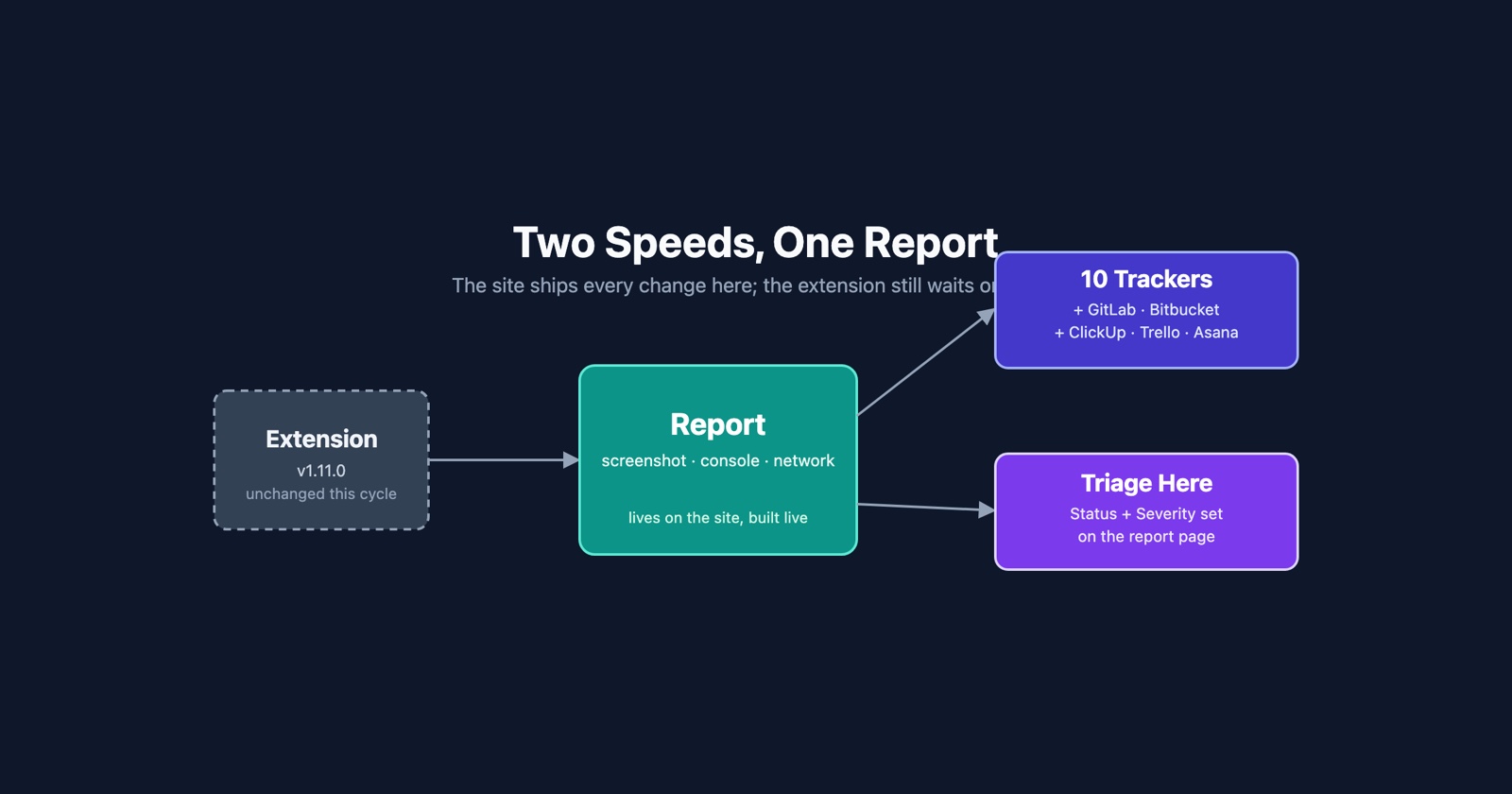
Two weeks of changes, all of them on the site. The extension has not moved, and there is a section at the end about why that matters for reading the rest of this.
Five more places a report can go
When we wrote about connectors, there were three: Jira, Linear and Slack. GitHub followed. There are now ten destinations a team admin can connect, and the five new ones are GitLab, Bitbucket, ClickUp, Trello and Asana.
Each works the way the first three do. You connect it once as a team admin, choose where the reports should land, and a report arrives in your tracker with the screenshot, the console and the network log already attached, as a link that opens the full thing.
What changed alongside them is less visible and probably matters more: a connector can now open a task for every new report, rather than waiting for somebody to push one across. That turns the connector from a button you remember to press into a pipe. If your team’s habit is that the tracker is the only list anybody reads, the reports now arrive in the only list anybody reads.
Four of the five have a page explaining the pairing end to end: ClickUp, Trello, Asana and GitLab. Bitbucket connects today and its page is still to come.
Triage without leaving the report
A report’s own page now carries its status and its severity, so a team member can set both from the thing they are looking at.
Until now triage lived on the list, which is the right place when you are working through a morning’s reports and a poor one when somebody has sent you a link to a single report. You opened it, read it, formed a view, and then went to find the list to record the view.
Severity sits beside the suggestion rather than over it. The suggested severity is still shown, and setting your own is a decision recorded next to it, not a correction of it. A team that disagrees with the suggestion often is telling you something; a field that quietly overwrites it is not.
Webhooks know whose team they belong to
If you drive Session Replay from the API rather than from the dashboard, three things changed.
A webhook destination can now be scoped to particular sites rather than to everything the team
owns, which is what you want when one team runs several products and only one of them has a
channel that should be woken up. GET /api/v1/teams takes membership=mine so a client can ask
which teams the caller is actually in. And creating or deleting a webhook destination is now bound
to the caller’s own teams, which is a correctness fix rather than a feature, and the kind worth
saying out loud.
The webhooks guide still describes the shape of the payload, which has not changed.
The demo site has a report button on it, in your language
The demo site is where you can break something on purpose: a page with a JavaScript error, one with a 500, one that is slow, one with a broken layout, one with a dead link.
It now has the report button on it, the same one you would put on your own site, so the whole loop is there to try: break the page, press the button, watch what arrives. It also has a language switcher, because reading a demo in your fourth-best language is not a demonstration of anything.
The site is faster, in the places it was slow
Nothing here is a feature and all of it is the difference between a page that feels immediate and one that does not. The hero poster is preloaded and served as WebP, and so are the analysis, claim and timeline posters. Images are cached properly. The analytics and pixel tags wait for the load event instead of competing with the page. Avatars and Hall of Fame portraits are drawn from thumbnails rather than from full-size originals, and the videos on a watch page are served directly rather than through a redirect.
If you have ever opened a report on a phone on a train, this is the change you will notice and the one you will not be able to name.
An extension poll can no longer sign you out
The extension asks the site who you are. When that check overlapped with signing in on the site in another tab, it could overwrite the newer session with the older answer, and you were signed out for no reason you could see.
The site no longer accepts that overwrite. The extension you have today still asks in the same way; the half that fixes the asking is in the extension and is not released yet.
Smaller ones
- A sign-in through Google or GitHub that fails now says what went wrong rather than returning you to a form with no explanation.
- If you signed up and never confirmed your address, you get one reminder. The address being unconfirmed is usually a mail that went to spam rather than a decision.
- On iPhone, the status bar no longer sits over the top of the page.
- In the split viewer, the media pane no longer paints itself stretched while it works out its size.
- A run of the same interaction, a user clicking the same thing eight times because nothing happened, now reads as one step with a count rather than eight rows. The eight clicks are the information; eight rows are not.
One fewer service in the path
We have removed Rollbar. Errors are reported through the framework’s own reporter and the log, which is where we were reading them from anyway, and it is off the list of sub-processors in the privacy policy.
The same policy now also says plainly that the screenshot on a report is sent to the model that writes the analysis. That was true before and was not written down clearly enough, which is a worse thing than it sounds.
Session Replay
Free Chrome extension. One click on the page that is misbehaving captures the screenshot, the console and the network log, and hands you a link to paste into the ticket.
What is actually in your hands
Everything above is live on session-replay.com. The site deploys continuously and the revision serving the site right now is the same one at the head of the repository, so there is nothing in this post sitting on a branch.
The extension is a different matter. 1.11.0 is still the published version, the one from 19 September, and that is what Chrome has given you. Work has gone into the extension in the fortnight since and none of it has been published, so if you read something here and go looking for it in the extension, you will not find it: everything above is the site’s half.
The store page tells you which version you have. If it says 1.11.0, you are current.