Eleven days of changes, and the one worth putting first is the one we could not announce last time.
When we wrote about badges, one-way capture and the side panel, the capture chooser had been built and was not yet in anybody’s hands, so it came out of the post. Extension 1.11.0 went to the Chrome Web Store on 19 September and it is there now.
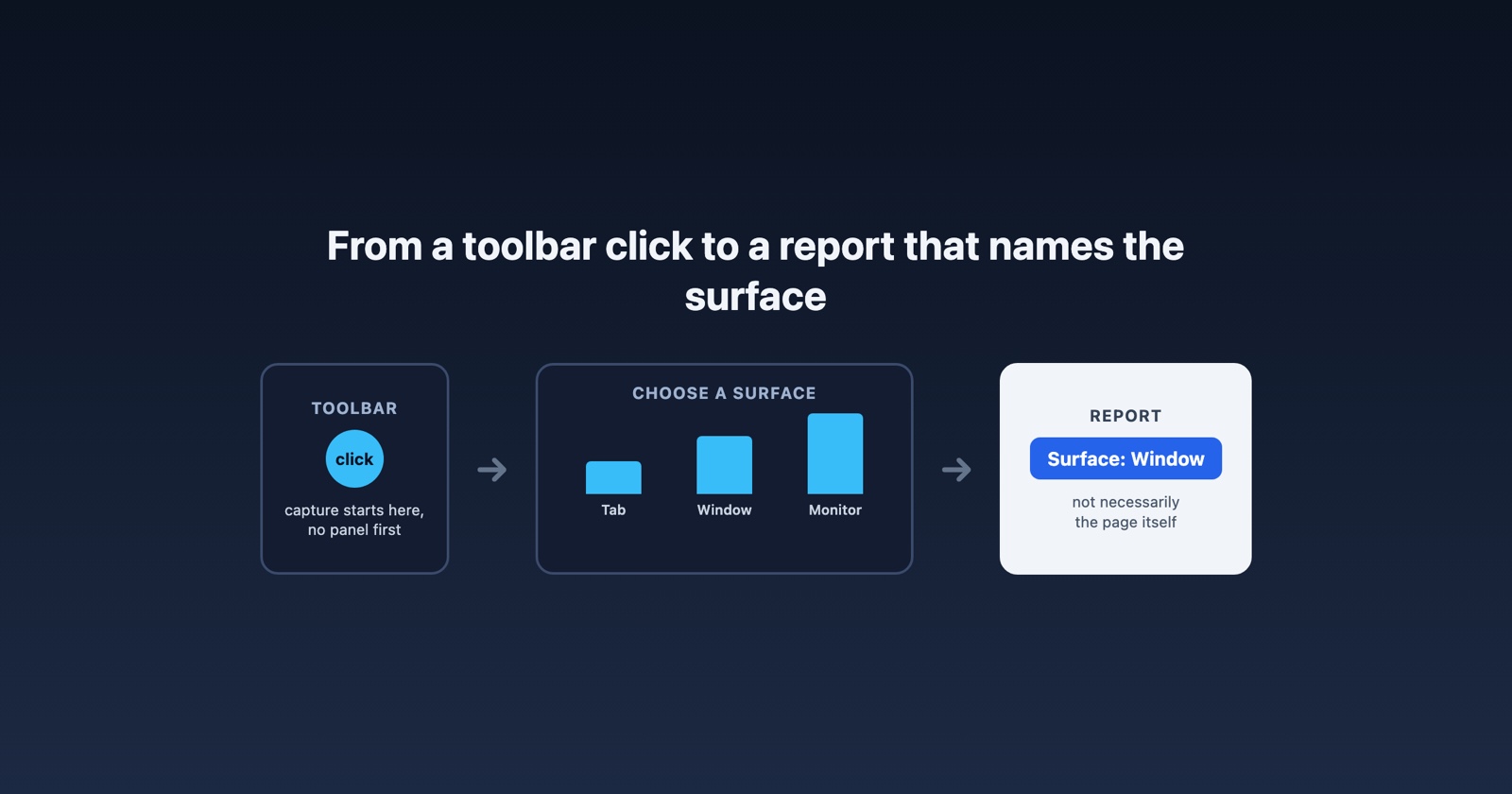
The capture controls are on the toolbar
They used to be in the side panel. You clicked the icon, the panel opened, and then you chose what to capture, which meant the thing you wanted was one layer behind the thing you clicked.
Now the choice is on the toolbar icon itself, where the click already is. Press it and pick the capture from there.
This reads as a small rearrangement and it changes something specific: opening the panel used to be part of starting a capture, so the panel was open over the page you were trying to photograph. Taking the controls out of it separates the two. The panel is for reading what you captured. The toolbar is for capturing.
A report says which surface the recording shows
A capture can be of the browser tab, a window, or a whole monitor. Until now the report showed you the recording and left you to work out which of the three you were looking at, which is usually obvious and occasionally not: a screenshot of a window, at the right size, looks exactly like a screenshot of a page.
The extension now carries the surface through with the upload, and the report says it. Where the recording is of a window or a monitor rather than the page, the report says that too, because it changes how you read everything else on it. What is on screen is no longer necessarily your site, and a console with nothing in it means something different when the recording was of the whole desktop.
It matters most for the reports that arrive from somebody else’s machine. If you are working out whether a visual bug is in the page or in the browser around it, knowing what was framed is the difference between an answer and a guess. That is the same problem as reproducing a bug you were not there for, one axis at a time.
Captures leave sooner
A capture that you submit or download is now sent as soon as it has been recorded, rather than waiting for the rest of the flow to finish. On a large recording that is the difference between the link being ready when you want to paste it and watching a progress bar you did not expect.
The HAR viewer keeps the file you already picked
Our HAR viewer had an irritating edge: pick a file before the page has finished wiring itself up and the selection was dropped, so you picked it again. It now loads the file that is already selected when it connects.
Small, and the sort of thing that only annoys the people who use a tool often, which is exactly who we would rather not annoy. What a HAR file is, and why it deserves care, is here.
The Hall of Fame is a page of its own
The leaderboard has been public for a while, and it was behaving like a part of the app that happened to be reachable rather than a page. It now has its own title and description, it is in the sitemap, and a card opened directly serves the board it came from instead of a fragment with no context.
If somebody shares their card, whoever clicks it lands somewhere that explains itself.
A new badge: Correspondent
Mention Session Replay anywhere public, a post, a comment, a newsletter or an article, and send us the link. Each new domain counts once, and only public pages can be checked.
It is the one badge that is not about the product at all. Everything else we award is for capturing, reporting or resolving; this one is for telling somebody.
And a smaller one
The homepage says so when the demo video cannot load, rather than leaving a blank rectangle. Not interesting unless it happened to you, in which case it was the only thing on the page you noticed.
Session Replay
Free Chrome extension. One click on the page that is misbehaving captures the screenshot, the console and the network log, and hands you a link to paste into the ticket.
What is actually in your hands
Worth being precise about, because last time we were not. Extension 1.11.0 is published to the Chrome Web Store, updated 19 September, and Chrome will have rolled it out to you by now unless you have automatic updates off. The site changes are live on session-replay.com.
If your extension still opens the panel to start a capture, you are on an older build. The store page will tell you which version you have.