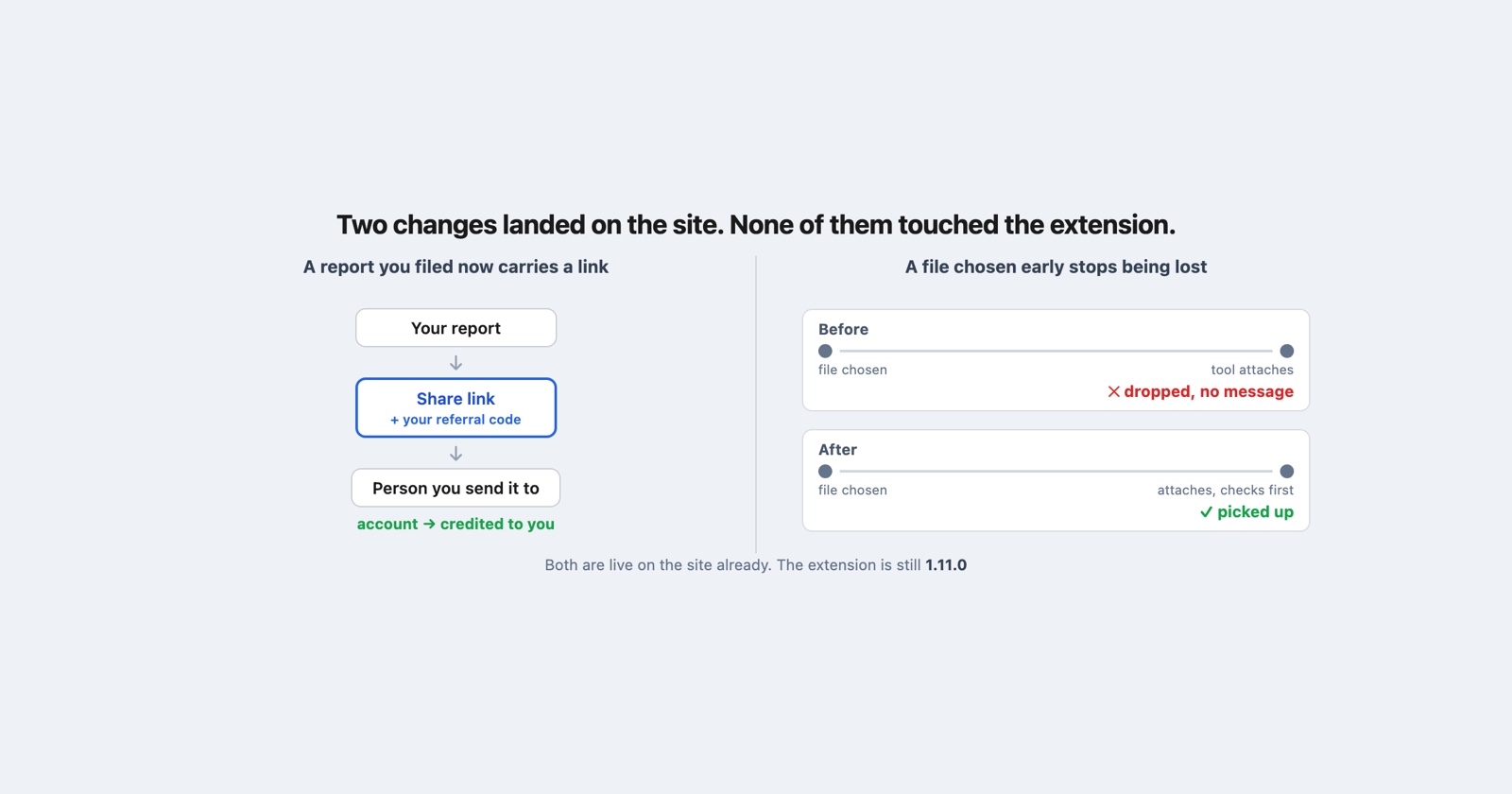
Two changes on the site since the last update. They have nothing to do with each other except that both are about the product doing something you had already asked it to do. The extension has not moved, and there is a section at the end about what that means.
Your own reports now carry a share link
Open a report you filed and there is a Copy share link button on it. The same button is now on every row of your report list on the dashboard, so you can hand somebody a report without opening it first.
Before this, sharing a report meant copying the address out of the browser’s address bar. That works, and it is what most people were doing.
The difference is that the link this button gives you is yours. It carries your referral code, so if the person you send it to decides they want an account, that is credited to you. A report reached through a referral can already offer the reader an account, which shipped a fortnight ago and was the other half of this. This is the half that gives you something to send.
Two conditions on the button, both deliberate. It appears on a report you submitted yourself and not on somebody else’s, because the referral code in the link is personal and has no business being attached to a report you merely have access to. And the report has to be a public one, because a share link to a private report is a link that will not open for the person receiving it, which is worse than no button at all.
Three tools stop ignoring a file you chose early
This one is a bug rather than a feature, and it is worth describing because of how it failed rather than how often.
Open the screenshot editor, the blur tool or video to GIF, choose a file immediately, and nothing happened. No error, no message, no spinner. The file picker closed and the page sat there exactly as it had been before you touched it.
The cause is a race you have no way of seeing. Each of those tools is a small piece of code that has to attach itself to the page before it can do anything, and on a slow connection, a cold cache or a phone, there is a window of a second or two where the page looks finished and the tool behind it is not. Choose a file inside that window and the browser accepted it while nothing was listening, so it went nowhere.
Each tool now checks, at the moment it attaches, whether a file is already waiting, and picks it up if one is. The effect is that the tools behave the same whether you are quick or slow, which is what anybody would have assumed they did.
What made this worth fixing rather than explaining is that the failure left you with nothing to act on. A tool that shows an error tells you to try again. A tool that does nothing at all tells you that it is broken, or that your file is the wrong kind, or that you did not really click the button, and everybody who hit it concluded something different. None of them were right, and none of them had any way to find out.
What is actually in your hands
The site is released continuously, so both changes above are live while you are reading this. There is nothing to update and nothing to install.
The extension has not changed. The Chrome Web Store is serving 1.11.0, and that is what you have. It is the same version the last update named, and nothing has been published since: work has landed on our side and none of it has been released.
To check which version you are running, open chrome://extensions and read it off the Session
Replay card. If it says 1.11.0 you are current, and if it says something older then Chrome has
not applied an update yet, which it does on its own schedule rather than on yours.
That distinction is worth stating plainly rather than leaving implied. A release note that mixes the site and the extension leaves you wondering whether what you just read is waiting on an update you have not done, and this time none of it is.