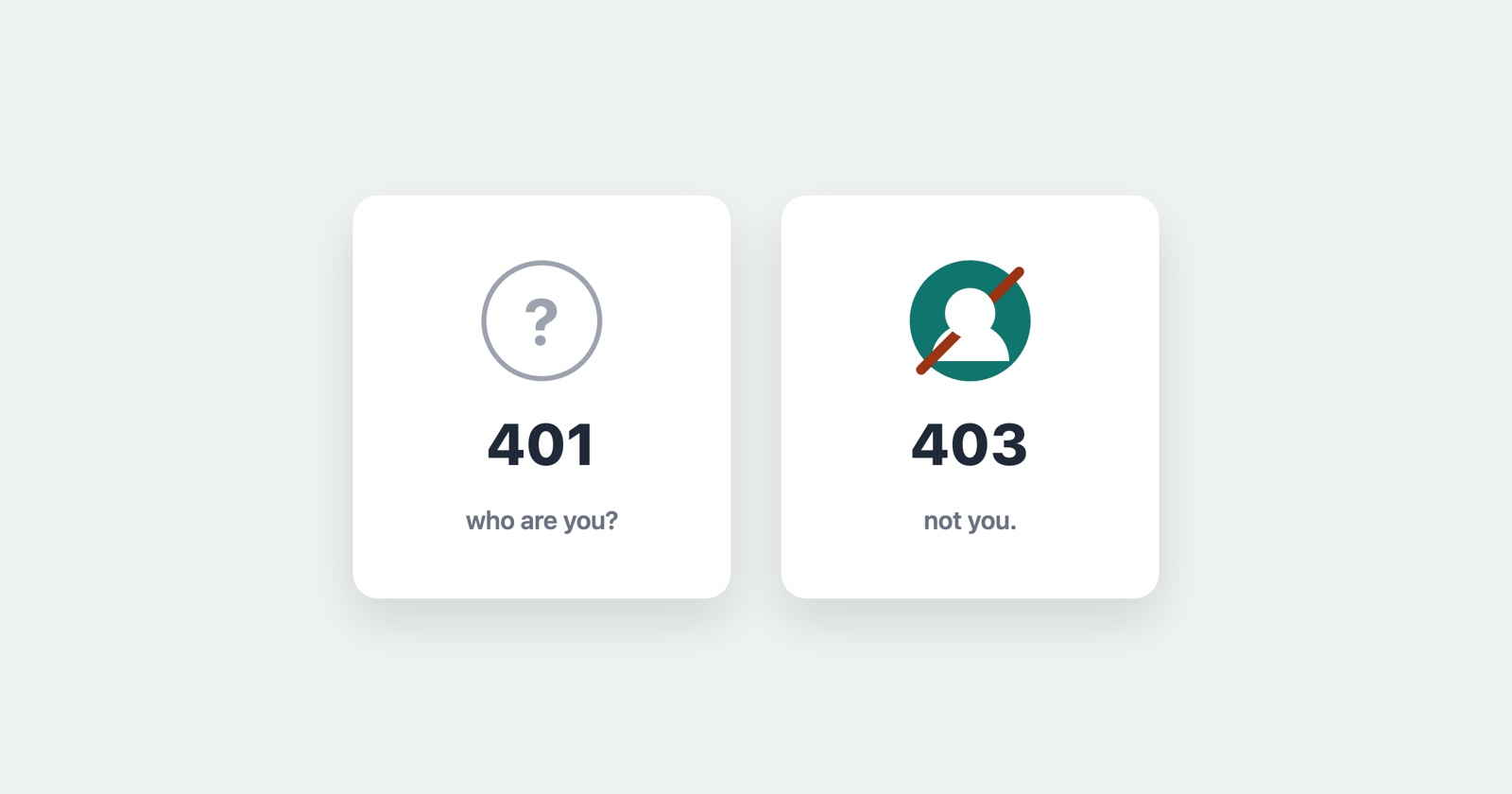
A 401 and a 403 both mean you did not get the page, and they are constantly swapped for each other, in error messages and in bug reports alike. The difference between them is small to read and large to act on: one is about who you are, and the other is about what you are allowed to do.
Getting them the wrong way round sends you to fix the wrong thing. So here is the distinction, what each one is really saying, and how to tell which you are actually looking at.
The one-line version
401 Unauthorized means the server does not know who you are. You are not signed in, or the credential you sent was missing, wrong, or expired. Sign in properly and the request would succeed.
403 Forbidden means the server knows exactly who you are, and you still may not. You are signed in, your credential is fine, and this particular account is simply not allowed to do this particular thing. Signing in again changes nothing, because being signed in was never the problem.
Put plainly: 401 is “I don’t know you”, 403 is “I know you, and no”.
The wording is a historical accident that makes this worse. 401 is labelled “Unauthorized” when it really means unauthenticated - the server could not establish who you are. 403 is the one that is actually about authorization. The names are stuck for compatibility, so read past them to what each code does.
How to tell which you have
Look at whether you are signed in when it happens.
If you are logged out, or the request carried no session cookie or token, a 401 is the expected and correct answer, and the fix is to authenticate. If the same request works once you sign in, it was only ever a 401.
If you are signed in - properly, with a session the server accepts elsewhere - and one specific action or page returns the error, you are looking at a 403. The account is authenticated and the answer is still no. Signing out and back in, clearing cookies, or trying another browser will not move it, and each of those is a common wasted half-hour spent treating a 403 as if it were a 401.
One trap worth naming: some servers deliberately return 404 Not Found where they mean 403, to avoid confirming that a resource exists at all. If a URL you know is real comes back as “not found” only when you lack permission for it, the real answer is 403 wearing a disguise.
If it is your site
Which code you send is a decision, not a detail, because it tells the person on the other end which of two very different problems they have.
Send 401 when the request is not authenticated - no credential, or one the server cannot
verify - and include a WWW-Authenticate header so the client knows how it is meant to sign in.
A 401 is an invitation to authenticate and try again.
Send 403 when the request is authenticated but not permitted. The user is who they say they are and this account may not do this. Do not answer it with a 401, because a 401 tells them to sign in again, and they will, and it will fail again, and the loop teaches them nothing except that your site is broken.
The most common cause of a 403 on your own site is a permission or role check: a user reaching an admin route, an API key without the scope for an endpoint, an object that belongs to another account. The most common cause of an unexpected 401 is a session or token that expired without the front end noticing, so it keeps sending a credential the server has stopped honouring.
Why these are worth capturing rather than describing
“I got an error and it would not let me in” is the report you usually get, and it fits both codes equally, which is exactly why it does not help. A 401 and a 403 look identical to a user - a page they wanted and did not get - and the one piece of information that tells them apart, the status code, is the one a person almost never thinks to read.
The request itself carries the answer: the status, whether a credential went out with it, and what the server said back. Captured at the moment it failed, that turns “it would not let me in” into “a 403 on this endpoint while signed in as this account”, which is a permission bug someone can find - rather than a login problem someone will chase for an hour first.
Session Replay
Free Chrome extension. One click on the page that is misbehaving captures the screenshot, the console and the network log, and hands you a link to paste into the ticket.
The network log holds the failing request with its status and whether a credential went with it, so whoever picks up the report can see at a glance whether they are looking at a 401 or a 403 - and does not have to reproduce the sign-in state to find out. To check whether a URL returns one of these to you right now, the HTTP status checker requests it and reports the code that comes back.
In one paragraph
A 401 Unauthorized means the server does not know who you are and you should authenticate; a 403 Forbidden means it knows exactly who you are and you still may not, so signing in again will not help. Tell them apart by whether you were signed in when it happened, send the right one from your own site so nobody is sent round a login loop for a permission problem, and capture the failing request rather than describing it, because the status code is the whole answer and the one thing a user never reads.