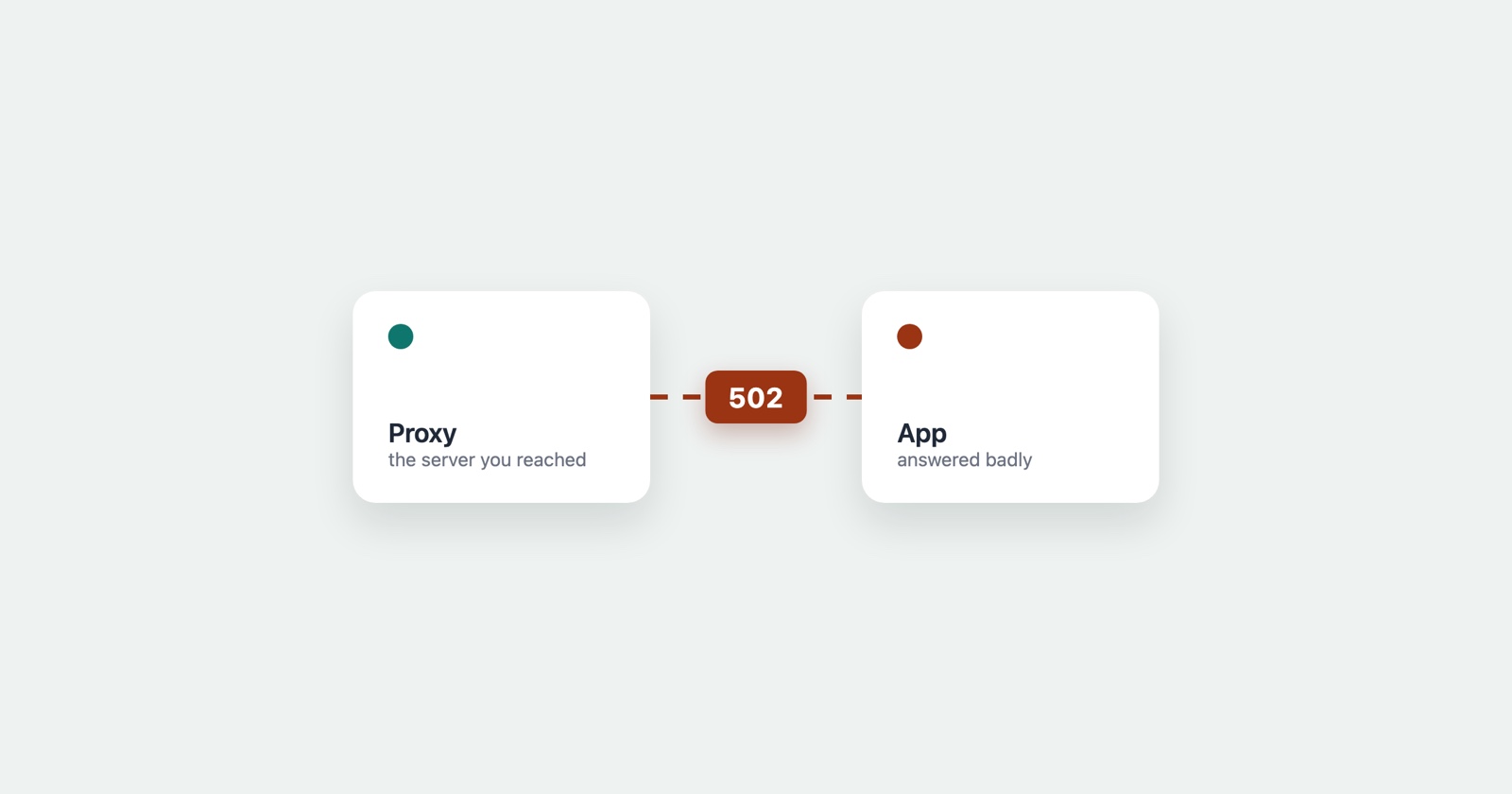
A 502 Bad Gateway is one server telling you that another server, the one it was relying on, answered with something it could not use. Not “the site is down” exactly, and not “you did something wrong” at all: a machine in the middle asked the machine behind it for your page, and what came back was garbage, or a slammed door, or nothing that made sense.
The word gateway is the clue. The server you reached is not the one that makes your page; it is a front, a reverse proxy or a load balancer, standing in front of the application that does the real work. When that front gets a broken answer from behind it, the only honest thing it can report to you is that the answer was bad. Which is exactly what 502 means.
The two-server picture
Almost every site of any size is at least two machines. There is the one your browser connects to first - nginx, a CDN edge, a cloud load balancer - and behind it the application server that actually runs the code and builds the page.
The front takes your request and passes it back. Most of the time the application answers cleanly and the front hands that answer to you, invisibly. A 502 is what you see when that second step fails: the front asked, and the answer it got was not a valid HTTP response it could relay.
So a 502 is never really about the server you reached. It is a message about the one you did not.
502 against 504, which are constantly confused
They come out of the same place - the front server, reporting on the one behind it - and telling them apart narrows the cause a great deal.
- 502 Bad Gateway
- The upstream answered, and the answer was unusable - a connection refused, a crashed process, garbage on the wire. Usually fast
- 504 Gateway Timeout
- The upstream did not answer at all within the time allowed. Usually slow, and the pause before the error is itself the clue
Roughly: 502 is “it said something wrong”, 504 is “it said nothing yet”. A 502 arrives fast and points at something broken, crashed or refusing connections; a 504 arrives slowly and points at something stuck or overloaded. If the error came back almost instantly, it is far more likely a 502 than a 504, whatever the page says.
One wrinkle most articles miss: providers relabel this. Cloudflare returns 502 of its own when your origin sends an invalid response, and its own 520 for a response so malformed it fits no standard code at all. Behind a CDN, the number you see may be the CDN’s account of the same event rather than your server’s.
If you are the visitor
Reload once, because a 502 is often a single crashed worker or a process caught mid-restart, and the next request lands on a healthy one. If it clears, there is nothing to chase.
If it persists, the fault is on the site’s side and there is genuinely little you can do beyond telling them, because no setting in your browser reaches a broken process on their server. Before you assume it is you, confirm it is not local: the quickest check is to point the HTTP status checker at the address, which requests the page from our server rather than yours and reports the code that came back. If it sees the 502 too, the problem is not your connection.
If it is your site
A 502 says the front could not use what the application sent, so the question is what the application did. There are only a few common answers.
The application process is down or crashing. The most frequent cause by a distance. The front tries to connect and gets “connection refused” because nothing is listening, or the process accepts the request and dies mid-response. Check whether the app is actually running, and read its own logs for a crash or an out-of-memory kill at the moment of the error - the front’s logs will only ever say the upstream failed, never why.
A timeout mismatch between the layers. If the application takes longer to respond than the front is willing to wait, some proxies report that as a 502 rather than a 504, closing the connection and calling the half-finished answer bad. When a 502 correlates with slow requests rather than crashes, look here.
A bad deploy. A new build that fails to boot, listens on the wrong port, or answers with headers the front rejects, will turn every request into a 502 the moment it goes live. If the errors started at a deploy, that is the first place to look, and a rollback is faster than a diagnosis.
Something between the layers. A misconfigured proxy_pass, an upstream hostname that no
longer resolves, a security group that quietly stopped allowing the front to reach the app - the
connection never completes and the front reports a bad gateway. These are the slowest to find
because nothing crashed; a link in the chain simply stopped carrying traffic.
The reason these are so hard to chase later
A 502 is often gone by the time anyone looks. The crashed worker restarts, the deploy is rolled back, the traffic burst passes, and the front’s log says only that an upstream request failed at 09:14 - not what the upstream said, not which process, not why.
What settles it is evidence captured while it is happening: the request that failed, the exact status, the timing, and what the person was doing when it appeared. A 502 that a user reports an hour later, from memory, is a guess. A 502 with the failing request and its timestamp attached is a line you can match against the application log and the deploy history and close.
Session Replay
Free Chrome extension. One click on the page that is misbehaving captures the screenshot, the console and the network log, and hands you a link to paste into the ticket.
The network log holds the failing request with its 502 and the moment it happened, saved as it went wrong rather than remembered afterwards - which is the difference between a report somebody can act on and one they have to reproduce first.
In one paragraph
A 502 Bad Gateway is a front-line server saying the server behind it gave an answer it could not use - crashed, refused, or malformed - and it arrives fast, which is what tells it apart from the slow 504. If you are visiting, reload once and then assume it is their side. If it is yours, check whether the application is running and what it logged, suspect the last deploy if the timing fits, and capture the failing request while you have it, because a 502 is almost impossible to chase once it has passed.