Turn "it does not work" into a bug report engineering can act on
The customer presses one button on the page they are stuck on, and what reaches your engineers already answers the questions your first reply would have asked.
Support should not have to be the translator
The customer knows what they saw. The browser knows why.
You cannot ask somebody who wrote in about a broken checkout to open DevTools, read you the console and check whether the request went out. So the job falls to support, and the ticket becomes a translation exercise: which page, which browser, what exactly did you click, can you send a screenshot.
Every clarifying reply is another day. The customer answers half the questions, the engineer asks the other half back, and a bug that took ten seconds to hit takes a week to describe.
The part that can be removed is the interrogation, not the conversation. Keep talking to the customer about what they were trying to do; let the capture carry everything they were never going to be able to tell you.
What the person on the other end has to do
One button on the page they are already on, and nothing else asked of them.
The reporter needs no account
They do not sign up, they do not get a seat, and they do not need a licence from you. They press the button and the report opens for anyone holding the link.
Nothing to talk them through
No "press F12", no "click the Network tab", no walking a stranger through a browser console over live chat while they get more annoyed.
What they clicked and typed
The interactions from the recording, lined up against the video, so the steps to reproduce are written by what happened rather than by what somebody remembered.
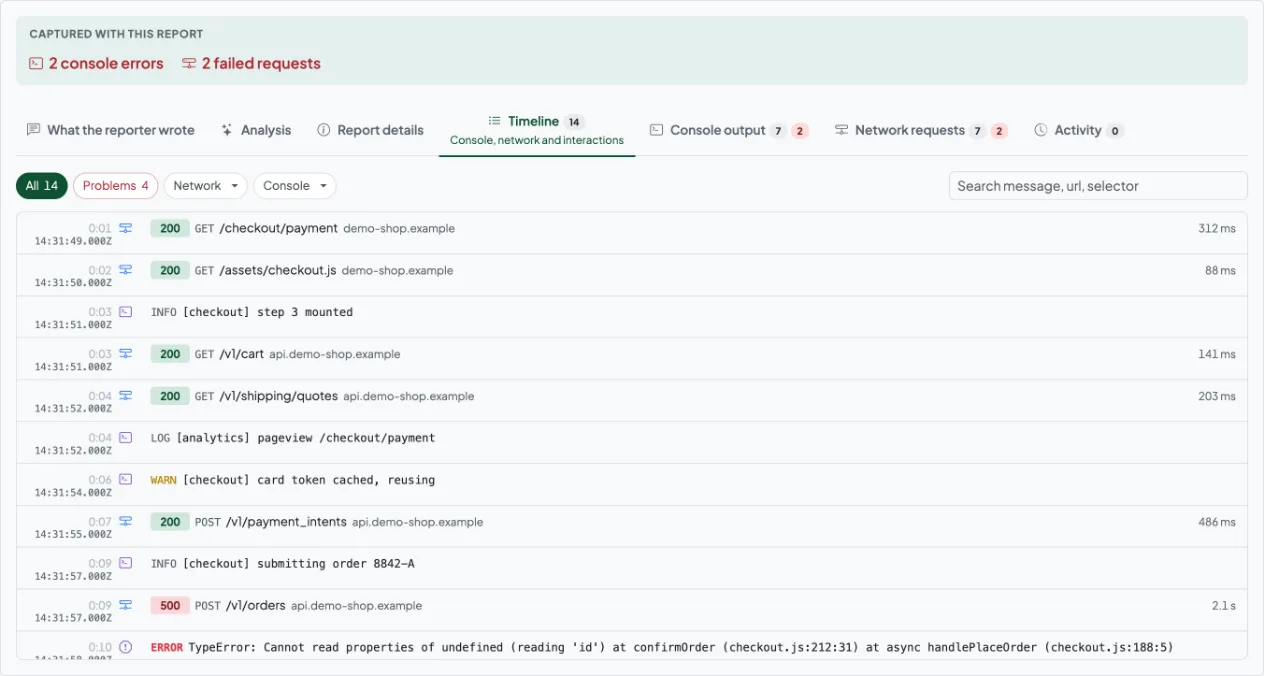
Console output with stack traces
Errors and warnings the page logged while it was going wrong, so the engineer starts at the exception instead of at your summary of it.
Network log and HAR
Every request the page made, with method, status and timing, and the whole lot downloadable as a HAR file. "Did the call even go out" stops being a question.
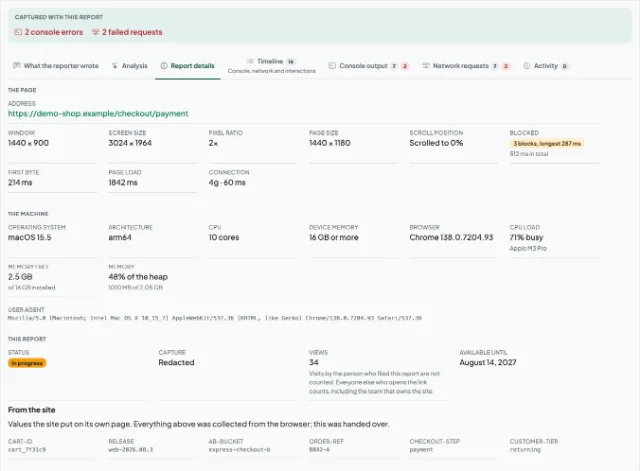
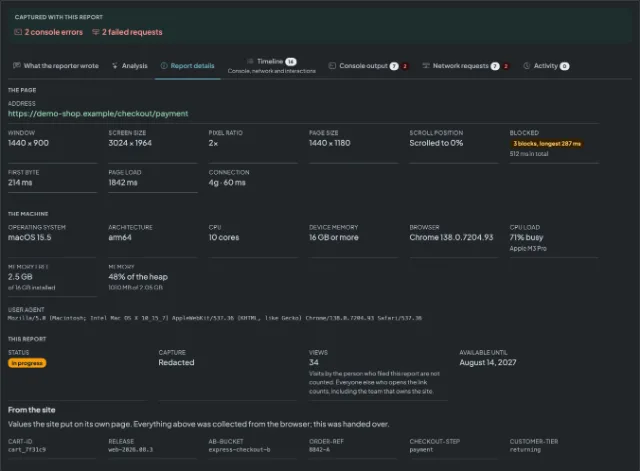
Browser, OS and window size
Browser and version, operating system, screen and window size. The four things the first reply to a customer usually asks for and rarely gets right.
Three steps, ticket to engineer
Send them the link or the button
Either put the "report a bug" button on your own pages so it is already there when they hit the problem, or send the customer to it from the ticket you are already replying to.
They capture the page they are on
A screenshot or a recording of the thing going wrong, with a sentence about what they expected instead. Everything technical is collected around that capture without them filling anything in.
Paste the report link into the ticket
One line on the ticket, and the engineer who picks it up opens the page in the state the customer saw it in. Turning a support ticket into a bug report an engineer can act on is the whole of the work.
What the customer actually sends you
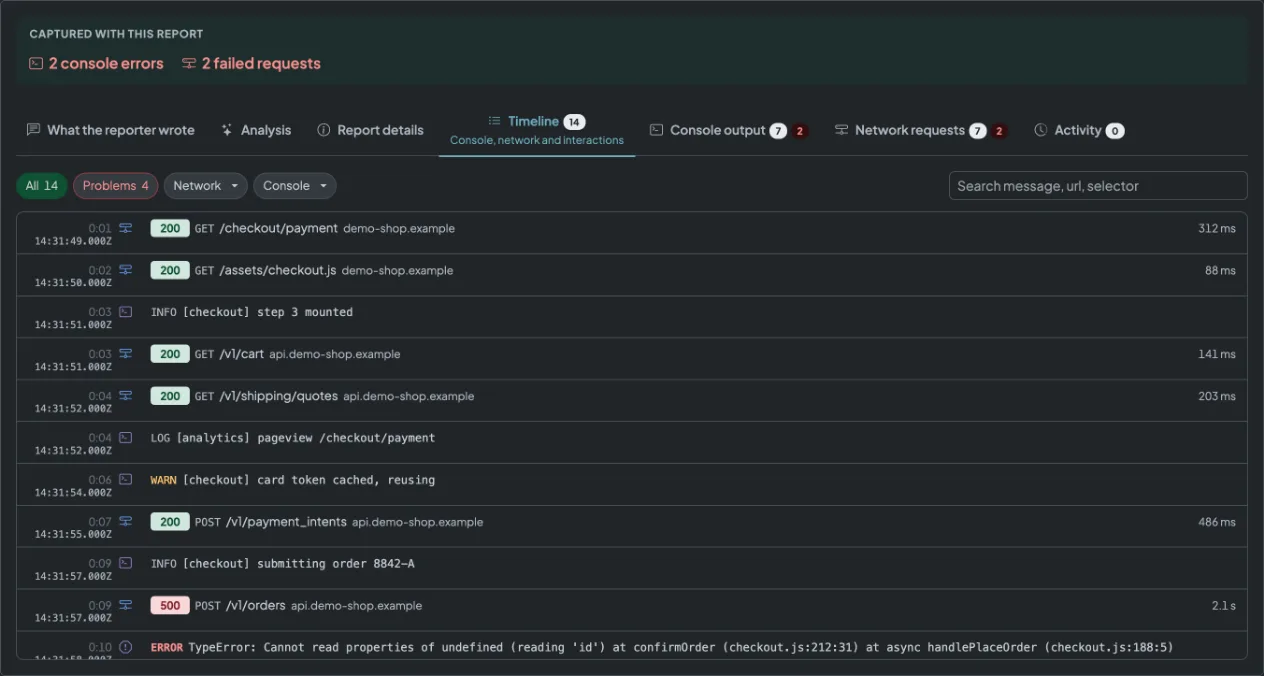
Rather than describe it a second time, here is the thing itself.
- The capture, still or recording, of the page as they had it.
- Console errors, in the order the page logged them.
- Requests with method, status and timing, failures marked.
- Clicks and keystrokes against the moment each happened.
What this does not do
This sits next to the tools your team already runs on, and replaces none of them. So that a comparison is a fair one:
- No helpdesk. There is no ticket queue, no shared inbox, no macros and no SLAs - you keep the one you have and paste a link into it.
- No live chat and no co-browsing. Nobody watches the customer's screen; they capture what went wrong and send it.
- No always-on session recording. Capture is deliberate: a person presses a button, and only then is anything recorded.
- No automatic filing into your tracker. A report becomes an issue when somebody presses the button on that report, and not before.
Questions support teams ask
Stop translating what your customer saw
The next time somebody writes in to say it does not work, send them a button instead of a list of questions.