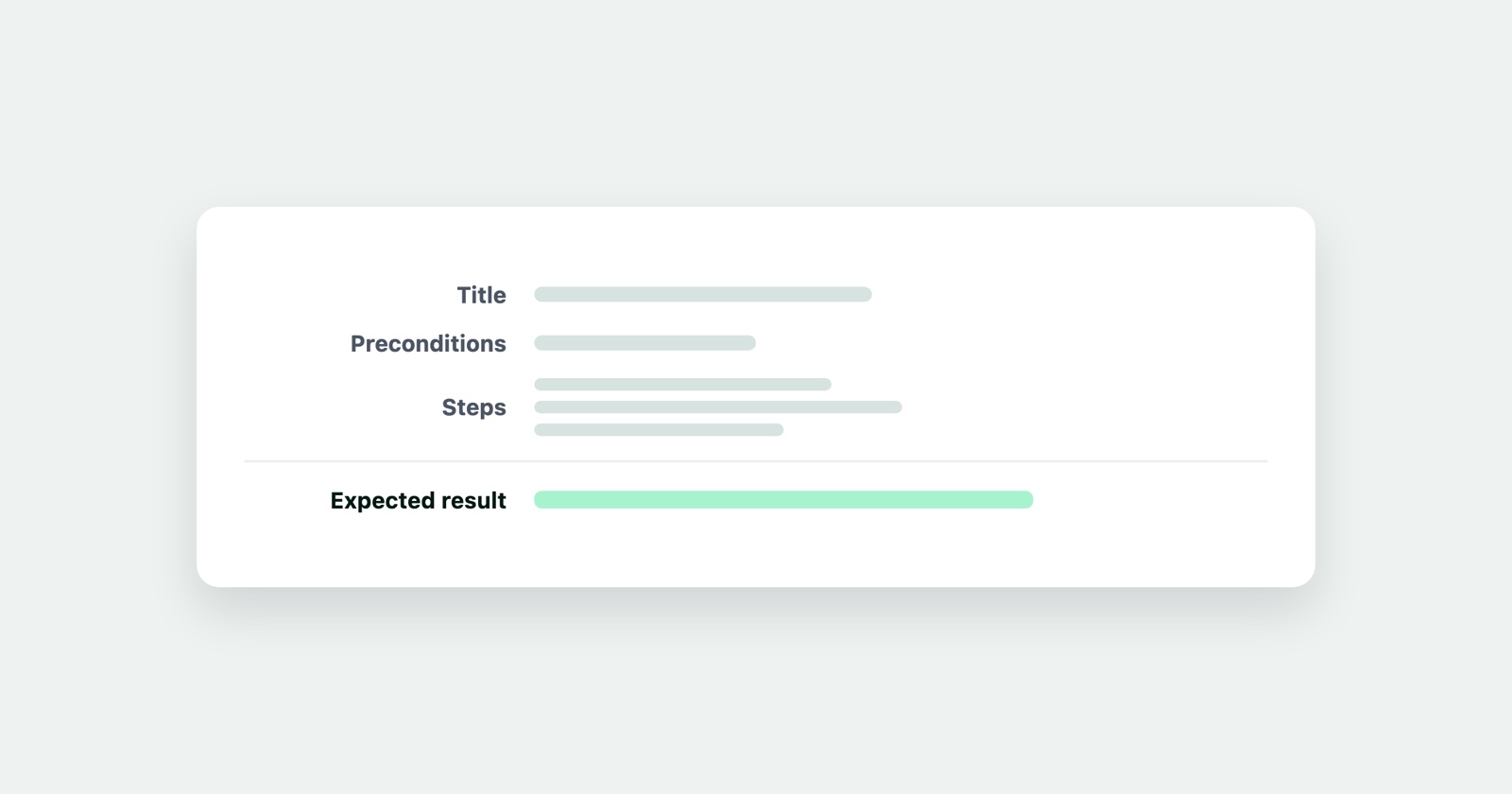
A test case is one check, written down so that somebody who did not write it can run it and get the same answer. It names a starting state, the steps to take, and what should happen. If two people can run it and disagree about whether it passed, it is not finished.
That is the whole idea, and it is the same idea as a bug report from the other direction. A bug report says “here is how to make something go wrong”. A test case says “here is how to check whether it goes right”.
What one contains
Six parts, and only three of them are the interesting ones.
- An identifier so it can be referred to in a build report or a conversation
- A title that says what is being checked, not what is being clicked
- Preconditions: the state the world must be in before step one makes sense
- Steps, numbered, each one an action
- Expected result, specific enough to be wrong
- Actual result, filled in when it runs
The three that decide whether it works are the preconditions, the expected result, and the title. Steps are easy. Knowing what state the test assumes, and what “correct” means precisely enough to argue about, is the work.
Writing the title
A title is read in a list of two hundred, so it should say what is being verified.
- Weak
- Test login page
- Better
- Sign-in is refused, with a message, when the password is wrong
The second one tells you what it covers, what a failure would mean, and whether it duplicates the one below it. The first tells you nothing, and in six months nobody will know whether it covers the error message or not.
Writing the steps
Number them, and put exactly one action in each. The test is not the place to be economical.
Title:         Sign-in is refused, with a message, when the password is wrong
Preconditions: A confirmed account exists for ada@example.com
Steps:
  1. Open /login
  2. Enter ada@example.com in the email field
  3. Enter wrongpassword in the password field
  4. Click Sign in
Expected:      The page stays on /login, shows "Email or password is incorrect",
               and the password field is cleared
Notice what the expected result does not say: “an error appears”. Three different implementations satisfy that sentence and two of them are wrong. It also names what should not have happened - no navigation - because a test that only checks for the message will pass on a page that shows the message and signs the user in anyway.
What makes a test case go bad
It depends on the last test. A case that only passes if the previous one ran first cannot be run alone, cannot be reordered, and fails in a heap when something early breaks. Each case sets up its own preconditions.
It checks six things. When it fails you learn that one of six things is wrong. Split it.
It describes the interface instead of the behaviour. “Click the blue button top right” breaks when the button moves; “Submit the form” does not.
Its expected result is a shrug. “Works correctly”, “as designed”, “no errors” - all of these mean the person running it decides, which is the thing a test case exists to avoid.
It tests what cannot fail. A case verifying that a static heading says the right words costs time on every run forever. Spend the effort where behaviour lives.
Manual cases and automated ones
The same discipline, different economics. An automated case runs on every build and must be precise or it will be flaky; a manual case is run by a person who can use judgement, which is both its strength and the reason two people get two answers from a vague one.
Write manual cases for what needs judgement - does this layout look wrong, does this message make sense - and automate what has a known input and a known answer. And keep the manual ones shorter than you think: a fifteen-step case gets skipped in the middle by anybody running it for the ninth time.
When one fails
A failed test case is the beginning of a bug report, and it starts ahead of most: the steps are already written, the expected result is already stated, and both are in language somebody can act on.
What it does not carry is the context of the machine it failed on - the browser, the console, the requests behind the page. That is the gap between “test case 47 failed” and a report a developer can work from.
Session Replay
Free Chrome extension. One click on the page that is misbehaving captures the screenshot, the console and the network log, and hands you a link to paste into the ticket.
Attach the case identifier to the report and the two stay connected: whoever fixes it can run the same check, and whoever runs the check next release can see it once failed. The bug report guide covers the rest of what that report needs. When the cases add up to a release’s worth of checks, the QA checklist template is a place to hold them.
The short version
One check per case. Preconditions it sets up itself. Steps somebody else can follow. An expected result specific enough that two people cannot disagree about whether it happened. Everything else is formatting.