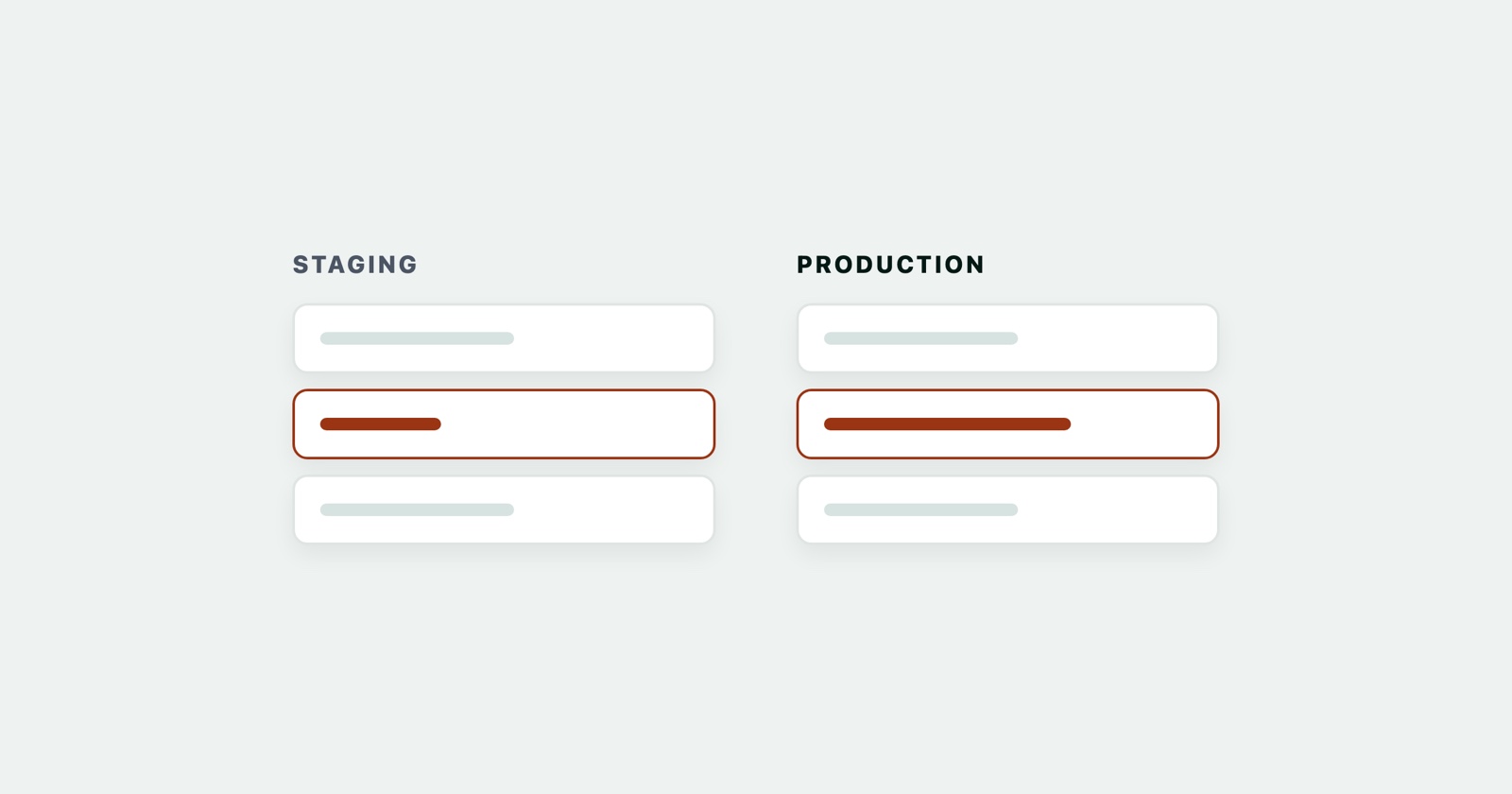
A staging environment is a running copy of your application, as close to production as you can afford, where a release is checked before real people meet it. Same code, same configuration shape, same database structure, different data and different audience.
The idea is old and simple: try it somewhere that does not matter first. What makes it interesting is that staging is never actually a copy, and every problem it fails to catch comes from the gap.
What it sits between
Most teams end up with three or four environments, and the differences are about who is allowed to break them.
- Local is a developer’s machine. It breaks constantly, and nobody minds.
- Staging runs the code that is about to ship, with data nobody will miss. It breaks occasionally, and somebody minds a little.
- Production is where the customers are.
Some teams add a fourth between staging and production for load or integration testing, and some put a per-branch preview environment before staging. The names vary more than the ideas.
What it is for
Catching what a test suite cannot. Migrations against a database with real volume. Assets that only get compiled during a deploy. A configuration value that exists on one machine and not another. Nothing in a unit test touches any of that.
Rehearsing the deploy itself. A release is a procedure, and the procedure has bugs too. If deploying to staging is the same command as deploying to production, you have practised the thing that will otherwise be done for the first time at the worst moment.
Giving non-developers somewhere to look. Acceptance testing, a demonstration, a screenshot for support - all of them need somewhere real that is not real.
How staging drifts
This is the part worth writing down, because a staging environment nobody maintains is worse than none: it produces confidence rather than information.
The code drifts. Everything merged goes to staging automatically; production is deployed when somebody decides. A staging environment thirty commits ahead of production tells you about software your customers do not have, and the bug you cannot reproduce on staging may simply be fixed there already.
The data drifts. Production accumulates fifteen years of decisions - accounts with no email address, an order from before a column existed, a name with an apostrophe in it. Staging has what seeds put there. Most of the defects that reach customers live in the shapes of data nobody thought to create.
The configuration drifts. A key set on one host and not the other, a feature flag switched on in one place, a third-party service pointed at a sandbox that behaves differently from the real one. This is the class of problem staging exists to catch and the class it most often causes.
The scale drifts. One web process against twelve, a database with a thousand rows against ten million. A query that is instant on staging can be the reason production falls over.
Keeping the gap honest
You cannot close the gap, so the aim is to know where it is.
- Deploy the same way to both. One command, one script, no manual step that exists in only one place. If production has a step staging does not, that step has never been tested.
- Deploy them together when a change spans both. Anything with a client - a browser extension, a mobile app, a partner integration - that talks to one environment and not the other is live in neither, as far as the person testing is concerned.
- Use production-shaped data, not production data. Anonymised or generated, with the awkward shapes deliberately included: the empty account, the enormous list, the apostrophe. Copying live customer data into a less-guarded environment is a privacy incident waiting for a date.
- Keep it stopped when it is not needed, and expect it to be a target: staging environments are famously less patched and more open than the systems they mirror.
- Say which is which. A banner, a colour, anything. Somebody will eventually do a demonstration on production or a destructive test on the wrong host, and the cost of preventing that is one line of CSS.
When staging says one thing and production says another
That is not a failure of staging, it is the information staging exists to give you, and it is the moment to find out which of the four drifts above explains it.
The first question is which build each one is running. The second is whether the same thing happens with the same data. Both are things a report should say, and both are the details routinely missing from “it works on staging”.
Session Replay
Free Chrome extension. One click on the page that is misbehaving captures the screenshot, the console and the network log, and hands you a link to paste into the ticket.
A capture from each environment turns an argument into a comparison: same steps, two sets of console output and network logs, and usually one obvious difference. The bug report guide has the rest of what to include, and naming the environment is the line people forget.
The short version
Staging is a rehearsal, not a copy. Its value is proportional to how honestly you track the ways it differs from production - code, data, configuration and scale - and a difference you know about is a limitation, while one you have forgotten is a false negative wearing a green tick.